

















.svg.png?height=48&name=Zoho_CRM_(application).svg.png)






If your finance team runs Upflow, or has it on a shortlist, and the quote-based pricing, the integration list or the way it is packaged no longer fits, this guide compares six accounts receivable platforms that growing and mid-sized businesses could realistically consider instead: Kolleno, Paidnice, Chaser, Growfin, Versapay and Invoiced by Flywire. Each one automates collections and connects to the accounting systems that Upflow customers typically run, such as Xero, QuickBooks, NetSuite or Sage Intacct. Listed by the size of business each platform is built for, smallest first.
Before you switch: what Upflow offers
Upflow sells accounts receivable software covering AR analytics, collections, cash application and payments. It launched in France selling to small businesses, then moved its focus to the US mid-market, and says it has more than 50 people across the US, Europe and India. Three points are worth checking before you replace it:
- Pricing model. Paid plans (Starter, Grow, Scale, Accelerate and Enterprise) are tiered by annual invoiced revenue and quoted on request, with a yearly commitment. Every plan includes unlimited user seats, and a free Discover plan gives you AR analytics on your live data.
- Integrations. Upflow lists NetSuite, Sage Intacct, QuickBooks Online, Xero, Microsoft Dynamics 365 Business Central, Pennylane and Rillet, plus the billing systems Stripe Billing, Chargebee and Zuora. SAP S/4HANA is listed as coming soon.
- Payments and channels. Upflow Payments, its own payment gateway, carries per-transaction fees and a platform fee. SMS, call and letter reminders are subject to usage fees, while email reminders are unlimited.
Who this comparison is for, and how the platforms were chosen
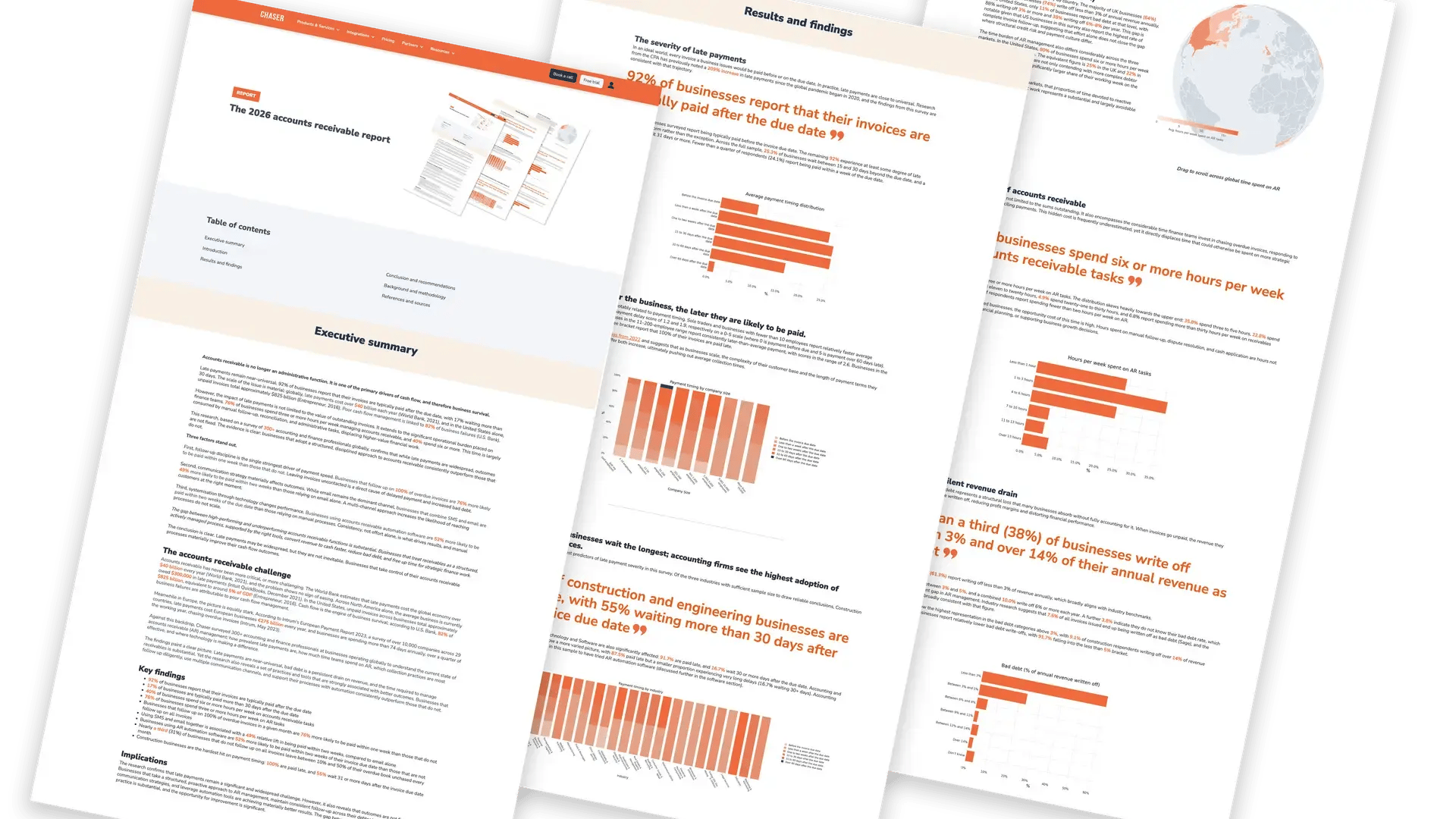
This guide is for finance leaders and AR managers at growing and mid-sized B2B businesses, in the UK, US and elsewhere, who use or are evaluating Upflow. According to Chaser's 2026 accounts receivable report, businesses using AR automation software are 52% more likely to be paid within two weeks of their invoice due date than those that are not.
A platform is included only if all three of these are true:
- Its own website says it serves small, growing or mid-market businesses, the range Upflow sells to.
- It automates collections and covers at least one of payments, cash application or forecasting.
- It connects natively to at least one of Xero, QuickBooks, NetSuite or Sage Intacct.
Each platform is described on the same criteria: who it is built for, key features, integrations, pricing model, pros and cons. This guide is published by Chaser, which appears in the list.
Quick comparison: 6 Upflow alternatives
| Platform | Built for (vendor's description) | AR coverage | Integrations named by the vendor | Pricing |
|---|---|---|---|---|
| Kolleno | Collection teams of all sizes | Collections, payments, cash application, disputes, credit risk, forecasting | Xero, QuickBooks, Sage Intacct; NetSuite, Business Central, SAP on Enterprise | Published, per user |
| Paidnice | Xero and QuickBooks users | Reminders, late fees and interest, payment portal and plans, statements | Xero, QuickBooks Online, Stripe | Published, by invoice volume |
| Chaser | Mid-market finance teams | Collections, credit monitoring, payment portal and plans, forecasting, collections service | Xero, QuickBooks, Sage (50, 200, Business Cloud, Intacct), NetSuite, Business Central, AccountsIQ, Odoo, iFinance, Stripe; others via API or CSV | Published on its pricing page |
| Growfin | High-growth finance teams, especially software and SaaS | Collections, disputes, cash application, forecasting, customer portal | NetSuite, QuickBooks, Xero, Sage Intacct, Dynamics 365, Zuora, Chargebee | Not published |
| Versapay | Mid-market and enterprise finance teams | Customer portal, collections, cash application, payments | NetSuite, Sage Intacct, Dynamics 365 | Not published |
| Invoiced by Flywire | Upper-mid-market and enterprise B2B finance teams | Invoicing, collections, cash application, payments, forecasting | NetSuite, Sage Intacct, Microsoft Dynamics, QuickBooks, Xero, Workday | Not published |
| Upflow (for reference) | SMBs at launch, now the US mid-market | AR analytics, collections, cash application, payments | NetSuite, Sage Intacct, QuickBooks Online, Xero, Business Central, Stripe Billing, Chargebee, Zuora | Quote by invoiced revenue |
Listed by the size of business each vendor says it serves (see "Built for"), smallest first; platforms serving similar businesses are listed alphabetically. Every feature, integration and pricing model is from the vendor's own website, checked on 25 September 2026. "Not published" means no list price is shown.
Upflow alternatives compared
Kolleno
Kolleno describes itself as an AI order-to-cash platform made for CFOs and credit controllers, and says more than 1,000 collection teams of all sizes use it, with offices in London and New York. It covers collections, online payments, cash application, disputes, credit risk and cash flow forecasting.
AI agents run collections and reconciliation within the credit policy you set, and you choose how much autonomy each one has: insights only, a copilot that drafts work, or independent execution.
Key features
- Collections management with AI follow-ups, workflows and a shared collections inbox.
- A customizable payment portal, payment links and multiple payment options.
- Cash application with AI matching and exception handling.
- Dispute management and real-time credit risk monitoring with alerts.
- Cash flow forecasts built from customer payment behavior.
- E-invoicing and surcharge management.
- SMS and call allowances included in every plan, rising by tier.
Pros
- Collections, payments, cash application, disputes and credit risk sit in one platform.
- Publishes prices for its lower plans, and the entry plan offers a free trial.
- Kolleno says onboarding generally takes about 10 days.
Cons
- Priced per user, so cost rises with the size of your team, where Upflow includes unlimited seats.
- Its lower plans connect to Xero, QuickBooks and Sage Intacct. NetSuite, Business Central, SAP and Oracle are listed on its Enterprise plan.
- Kolleno notes that extra charges may apply for integrations, customizations and other add-ons.
Pricing: published on its site, per user, by turnover band.
Paidnice
Paidnice is accounts receivable automation for Xero and QuickBooks, used by service, professional, wholesale and property businesses. It turns your payment terms into automatic actions: reminders, statements, late fees and interest, early payment discounts and payment plans, written back to your ledger.
Plans follow your monthly invoice volume rather than your revenue, run month to month, and your first 20 actions are free with no credit card.
Key features
- Email and SMS reminders from your own domain, plus scheduled calls, in sequences that adapt to each customer's payment behavior.
- Automatic late fees and interest, and prompt payment discounts.
- Payment plans with installment reminders and write-back to Xero and QuickBooks.
- A branded customer payment portal for card, Stripe ACH, BACS and direct debit payments.
- Quote reminders, so prospects hear from you before a quote or estimate expires.
- Scheduled statements, escalation and dispute workflows, and aging and DSO reporting across entities.
Pros
- Month-to-month plans with no contracts or lock-ins.
- Pro plans include unlimited users, with no per-seat fees.
- Paidnice says most teams are live in 15 minutes, with a safe mode to test before anything sends.
Cons
- Standard integrations are Xero, QuickBooks Online and Stripe. NetSuite, Dynamics and Sage come only on its custom plan.
- The Essentials plan allows 2 team members, and sending from your own email domain and payment plans need Pro.
- SMS reminders are charged per message on top of the plan.
Pricing: published on its site, by monthly invoice volume.
Chaser
Chaser is accounts receivable software for mid-market finance teams. It connects to your accounting system or ERP, automates payment reminders by email, SMS, automated phone call and letter, and brings payment tools, credit risk insight and cash flow forecasting into the same platform. When chasing is not enough, a debt collection service and an outsourced credit control service are available inside Chaser too.
Key features
- Automated reminder schedules by email, SMS, automated phone call and letter, set by invoice due date and customer segment.
- Email templates in your own branding and tone, with a record of every reminder sent to each customer.
- A payment portal, payment links in reminders, and payment plans with automated installment chasing.
- Credit monitoring and reports, AI debtor risk insights and late payment prediction.
- Cash flow, revenue and receivables forecasts.
- Integrations with AccountsIQ, iFinance, Microsoft Dynamics 365 Business Central, NetSuite, Odoo, QuickBooks Online, Sage 50 (UK), Sage 200, Sage Business Cloud Accounting, Sage Intacct and Xero, plus Stripe for payments and the Chaser API and CSV import for other systems.
- Debt collection services and Chaser Care, which pairs the software with a dedicated AR specialist.
Pros
- Your AR team sets up and changes reminder schedules and templates itself.
- Reminders, payment collection, credit risk, forecasting and escalation to collections sit in one platform.
- Connects to common mid-market accounting systems in a few clicks, with a 10-day free trial and no setup required.
- Chaser Care is available as an add-on to every plan if you would rather not chase in-house.
Cons
- No deductions management, cash application, accounts payable or treasury modules, which enterprise order-to-cash suites include.
- SAP and Oracle ERP connect through the Chaser API or CSV import, not a native connector.
- The entry plan includes 4 users and 4 automated workflows. Unlimited users and workflows, multi-entity support and the receivables forecast need a higher plan.
What changes if you move from Upflow
Chaser covers the collections side of Upflow: reminders on four channels, a payment portal, credit risk insight and forecasting. It has no cash application module, so if you use Upflow's today, plan how payments will be matched. In return, escalation to collections stays in the same platform.
Using Chaser with Stripe and your ledger
Chaser integrates directly with Stripe, pulling invoice, customer and credit note data, and customers can pay through the Chaser payment portal via Stripe. Chargebee and Zuora are not on Chaser's integrations page, so use the API or CSV import. See all Chaser integrations.
Pricing and getting started
Like Upflow, Chaser sets its plans by revenue rather than per user. Unlike Upflow, it publishes them on the Chaser pricing page. The entry plan includes 4 users and 4 automated workflows; higher plans are unlimited.
Want to see how Chaser would chase your own overdue invoices?
Start your free trialGrowfin
Growfin describes its platform as AI-powered AR automation tailored for software and SaaS companies, and says it is trusted by high-growth finance teams. It runs collections as a CRM, with cash application, dispute handling and forecasting in the same platform, and offers a Built for NetSuite SuiteApp.
It also brings AR into the tools other teams already use: account managers see collections status inside Slack and Salesforce, so sales and customer success can help resolve disputes.
Key features
- Automated follow-ups at invoice and statement level that pause, resume or stop based on payment behavior.
- An AI customer health score that identifies and prioritizes risky payers.
- AI cash application that matches payments to invoices at line-item level, including partial and bulk payments.
- A self-service portal where customers raise disputes, promise to pay and submit proof of payment.
- Machine-learning payment forecasts and more than 100 reports on aging, DSO and collections activity.
- Integrations with NetSuite, QuickBooks, Xero, Sage Intacct, Sage X3, Dynamics 365, SAP Business One and Zoho Books, plus Zuora and Chargebee.
Pros
- Collections, disputes and cash application sit in one platform.
- Sales and customer success teams can follow AR from Salesforce and Slack.
- Lists Zuora and Chargebee, which suits subscription billing stacks.
- Offers a 21-day free trial on request.
Cons
- Pricing is not published, so you need a sales conversation to compare costs.
- NetSuite is where its site goes deepest, so confirm how far other ledger connections go in a demo.
Pricing: not published; demo-led.
Versapay
Versapay says it is built for both mid-market and enterprise finance teams, and highlights manufacturing, wholesale distribution and professional services. It combines digital invoicing, a self-serve customer portal, collections, cash application and B2B payments on one platform that runs from invoicing to reconciliation.
Its central idea is collaboration: customers pay, manage their accounts and resolve disputes in the same portal your AR team works from, which suits businesses where queries, rather than forgetfulness, hold up payment.
Key features
- Digital invoicing with a self-serve customer portal to pay, manage accounts or resolve disputes.
- Collections management that automates tasks and prioritizes high-risk accounts.
- Cash application that matches payments to open invoices using AI and machine learning.
- Real-time DSO, average days to pay and dashboards ahead of month-end.
- B2B payments, including ACH, credit cards and embedded ERP options.
- Native integrations with Oracle NetSuite, Sage Intacct, Dynamics 365 Business Central and Dynamics 365 Finance and Supply Chain Management.
Pros
- Customers and your AR team work from one shared record on invoices, disputes and payments.
- Cash application is part of the core platform rather than a separate module.
- Versapay describes workflow and customer-segment changes as self-service after go-live.
Cons
- Pricing is not published.
- Xero and QuickBooks are not among its native integrations. Other systems connect through open APIs or flat files.
- Its named industry focus is manufacturing, wholesale distribution and professional services rather than subscription software.
Pricing: not published; subscription. For more options, see the guide to Versapay alternatives.
Invoiced by Flywire
Invoiced, acquired by Flywire in 2024, describes itself as an AI-native invoice-to-cash platform built for upper-mid-market and enterprise B2B finance teams. It pairs invoicing, collections, cash application, reporting and forecasting with Flywire's global payments infrastructure.
Payments are built into the platform rather than handed to a separate processor, which suits businesses whose customers pay from many countries and currencies. The industries it names include agencies, education, healthcare, legal, and software and tech.
Key features
- Specialized AI agents for invoicing, collections, cash application and analytics.
- Reminder cadences that adjust to how each customer actually pays.
- Cash application that uses each customer's payment history when remittance details are missing or one payment covers several invoices.
- Self-service portals where customers view invoices and track payments.
- More than 1,200 local payment options across more than 140 currencies.
- Reporting and cash flow forecasting, with plain-English answers to questions such as which accounts slipped this month.
- Late fee automation and an automation builder for custom workflows.
Pros
- Invoicing, collections, cash application and payments come from one vendor.
- Native integrations span QuickBooks (Online and Desktop) and Xero as well as NetSuite, Sage Intacct, Microsoft Dynamics and Workday.
- Its Integration Studio connects other systems through drag-and-drop setup, which Invoiced says finance teams can run without IT.
Cons
- Pricing is not published.
- Built for upper-mid-market and enterprise teams, so a smaller business may not use much of the platform.
Pricing: not published; demo-led.
Which Upflow alternative fits your situation?
- You bill subscriptions through NetSuite, Zuora or Chargebee. Growfin lists all three and offers a Built for NetSuite SuiteApp.
- Your customers pay from many countries. Invoiced by Flywire builds global payments into the platform.
- You want cash application included on Xero or QuickBooks. Growfin, Invoiced by Flywire and Kolleno all list it.
- You are a small team on Xero or QuickBooks and want late fees applied automatically. Paidnice is built around this.
- Disputes and queries hold up payment. Versapay is built around a shared customer portal.
- Your main problem is chasing overdue invoices on Xero, QuickBooks, Sage or NetSuite. Chaser focuses on collections automation, credit risk and escalation.
If you need enterprise order-to-cash depth, the guide to HighRadius alternatives covers larger platforms. For wider comparisons, see the guides to accounts receivable software and credit control software.
FAQs
What are the main alternatives and competitors to Upflow?
Accounts receivable platforms to compare with Upflow include Kolleno, Paidnice, Chaser, Growfin, Versapay and Invoiced by Flywire. Growfin, Invoiced, Kolleno and Versapay include cash application, Paidnice is built for Xero and QuickBooks users, and Chaser focuses on collections automation, credit risk and escalation.
How much does Upflow cost?
Upflow does not publish list prices. Its paid plans are tiered by annual invoiced revenue and quoted on request, with a yearly commitment and unlimited user seats. A free Discover plan gives you AR analytics. Upflow Payments, its own payment gateway, adds per-transaction fees and a platform fee.
Which Upflow alternative suits a mid-sized SaaS company?
Start from your billing stack. Growfin says it is tailored to software and SaaS companies and lists NetSuite, Zuora and Chargebee. Kolleno lists Stripe, Chargebee and Zuora among its integrations. Chaser integrates directly with Stripe and focuses on collections automation, credit risk and escalation.
Is Upflow.io legit?
Yes. Upflow is a B2B accounts receivable software company. It launched in France selling to small businesses, moved its focus to the US mid-market, and says it has more than 50 people across the US, Europe and India.
Are Pluvo and Cforia alternatives to Upflow?
Pluvo is not a like-for-like alternative. It describes itself as AI for finance teams, focused on finance analysis rather than collections. Cforia is a billing and collections platform that is now part of HighRadius, so buyers should evaluate it through HighRadius.