



















.svg.png?height=48&name=Zoho_CRM_(application).svg.png)







In short: Xero records your invoices, but it does very little to chase them. Xero credit control means adding a structured process on top: automated reminders across email, SMS and letter, customer statements, escalation for the invoices that go quiet, and visibility over what is owed and when it will arrive. A dedicated credit control platform like Chaser connects to Xero in minutes and automates that whole layer without changing how you invoice. See how 12 credit control tools compare for teams on Xero, Sage and QuickBooks.
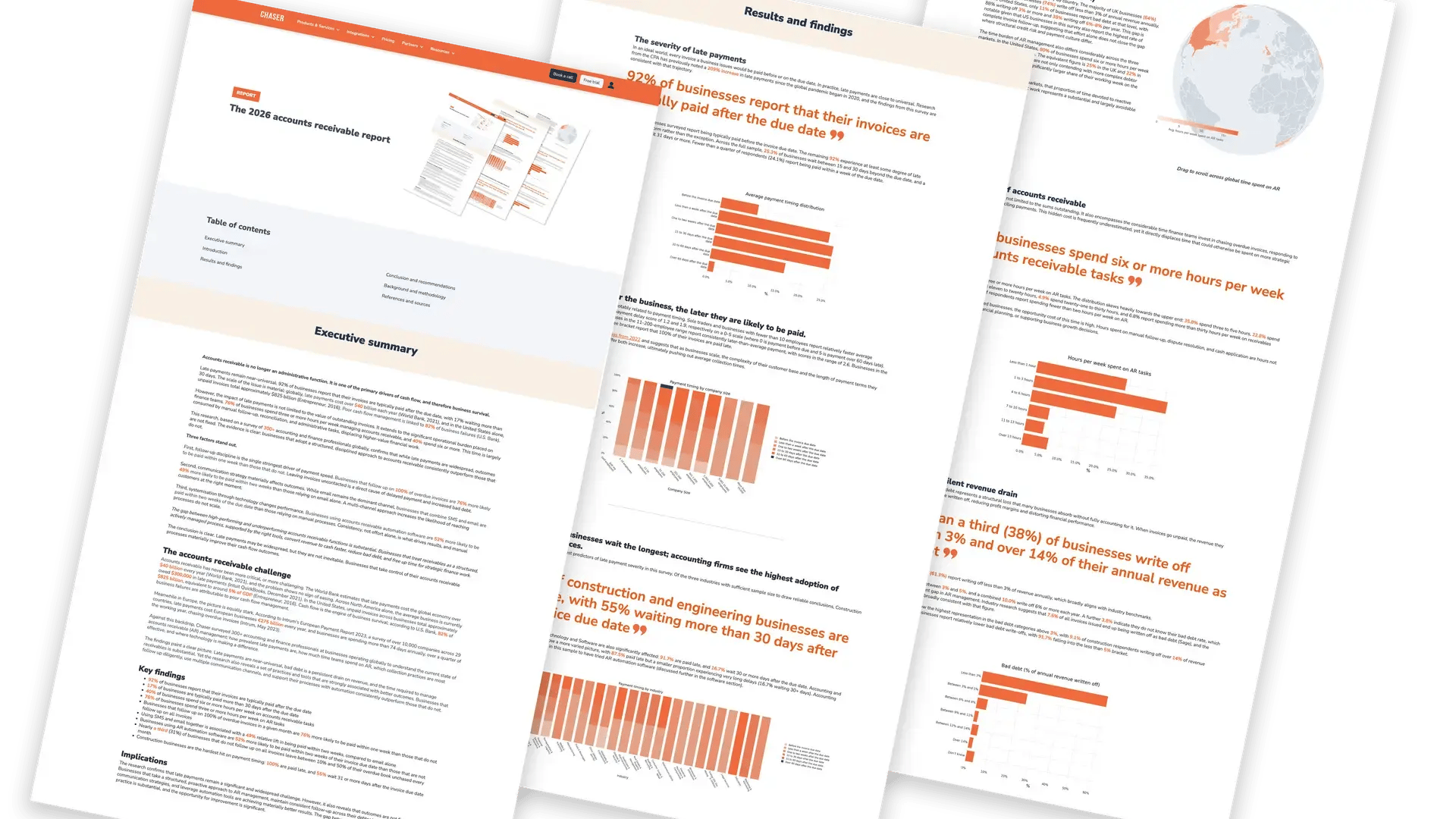
Most finance teams running on Xero manage credit control the same way: someone exports the aged receivables report, works out who to chase, and sends reminder emails one at a time. It works at ten customers. It quietly falls apart at a hundred, because the chasing becomes inconsistent, and inconsistency is what customers learn to exploit. According to The 2026 accounts receivable report, 92% of businesses have invoices paid after the due date, and 76% of finance teams spend three or more hours a week on accounts receivable tasks.
This guide covers what credit control in Xero can and cannot do natively, how to build a chasing process that scales, and how to automate the rest.
What Xero does natively, and where it stops
Xero includes basic invoice reminders: you can switch on automatic emails that nudge customers before and after an invoice is due, set the number of days for each nudge, and edit the wording of the template. For a small ledger with prompt payers, that is often enough.
The limits show up as the ledger grows. Native reminders are email-only, so if a customer stops reading email you have no second route to them. They apply fairly bluntly across your customer base, which means your best-paying client gets the same tone as your worst. They stop at the reminder itself: there is no escalation path, no customer-level payment behavior insight, and no way to route a stubborn invoice into collections without leaving your accounting stack. And because a reminder is a one-way message, replies land in an individual mailbox rather than anywhere the rest of the team can see them.
Credit control is a wider process than reminders. It covers deciding who to chase and when, tailoring tone to the customer relationship, sending statements, tracking replies and promises to pay, escalating when chasing stops working, and reporting on what is actually going to arrive. That layer is what a dedicated platform adds.
Signs your Xero credit control has outgrown manual chasing
The switch from manageable to unmanageable is rarely obvious while it is happening. These are the usual signals:
- Chasing depends on one person. If that person is on holiday, nothing gets chased that week, and the ledger shows it a month later.
- You cannot answer "has this customer been chased, and what did they say?" without searching someone's inbox.
- The same handful of customers are always late, and nothing about how you treat them has changed.
- Invoices are quietly aging past 60 days because nobody decided what happens at 60 days.
- Chasing happens in bursts, usually when cash gets tight, rather than on a schedule.
- You are checking which invoices have been paid by hand before chasing, to avoid the embarrassment of chasing money that has already arrived.
None of these are failures of effort. They are what happens when a process runs on memory instead of a system.
Xero native reminders vs a credit control platform
| Capability | Xero native reminders | Chaser connected to Xero |
|---|---|---|
| Channels | Email only | Email, SMS, letter and phone |
| Personalization | Basic templates | Schedules and tone tailored per customer group; reminders that read as hand-typed |
| Payment insight | None | AI payer ratings and late-payment prediction |
| Reply tracking | Replies land in one person's inbox | Replies, promises to pay and disputes tracked centrally against each invoice |
| Customer payment portal | No | Branded portal to view and pay invoices |
| Statements | Manual, sent one at a time | Scheduled statement runs across the ledger |
| Escalation | Manual, outside Xero | Escalate to integrated debt collections without changing systems |
How Chaser connects to Xero
The Chaser Xero integration connects in minutes rather than weeks: authorize the connection, and your invoices, customers and payment data sync automatically, so chasing always runs from the latest position and a paid invoice is never chased. Chaser has been a Xero App Partner of the Year twice, in 2016 and 2023.
That sync matters more than it sounds. The most common reason teams abandon a chasing routine is the fear of getting it wrong in front of a customer, and chasing an invoice that was settled yesterday is the fastest way to lose confidence in the whole process. When the platform reads payment data directly from Xero, that risk disappears and the chasing can run without someone checking it first.
From there, credit control runs on schedules rather than memory: polite reminders before the due date, firmer follow-ups after it, statements on a cadence, and every reply tracked in one place so anyone on the team can see where each conversation stands.
Setting up credit control in Xero: the process that scales
- Segment your customers. Prompt payers, late payers, and high-risk or high-value accounts. Tone and cadence should differ for each. Most ledgers split into a majority who pay on time with a single nudge, a middle group who need consistent follow-up, and a small group who absorb most of the effort. Treating all three the same is what makes credit control feel endless.
- Set reminder schedules per segment. A friendly nudge before the due date is the cheapest way to prevent lateness, because it catches the invoices that were simply forgotten or never approved internally. Firmness scales for the accounts that need it.
- Go multi-channel. Businesses combining SMS and email reminders are 49% more likely to be paid within two weeks than those using email alone (The 2026 accounts receivable report). Email is easy to ignore. A text message is not.
- Send statements monthly. Statements resolve the "which invoices?" conversation before it starts, and they often surface a customer's own internal problem, such as an invoice that never reached their approvals system.
- Escalate deliberately. Decide in advance what happens at 30, 60 and 90 days overdue, and use an escalation route, such as Chaser's integrated collections service, rather than letting old debt drift.
- Measure it. Track days sales outstanding, the percentage of invoices overdue, and hours spent chasing. Chaser's guide to the DSO formula covers the benchmark math.
A reminder schedule that works
The schedule below suits most B2B ledgers on 30-day terms. Treat it as a starting point to adjust rather than a rule: the principle that matters is that every stage is decided in advance, so nobody has to judge each invoice individually.
| When | Channel | Purpose and tone |
|---|---|---|
| 7 days before due | A courtesy note confirming the invoice is in hand and the date it falls due. Catches approval delays while there is still time to fix them. | |
| Due date | A neutral reminder that payment is due today, with the payment link included. No implication of lateness. | |
| 7 days overdue | Email and SMS | A direct follow-up asking for a payment date. Adding a second channel here is what lifts response most. |
| 21 days overdue | Phone, then email | A conversation rather than a message. Confirm in writing afterwards, including anything agreed. |
| 30 days overdue | Email and letter | A formal notice setting out the consequences of continued non-payment, including any interest or charges that apply. |
| 60 days overdue | Escalation | Refer to collections. Beyond this point, more reminders rarely change the outcome. |
Two adjustments are worth making. Shorten every stage for customers with a history of paying late, because they have already told you what they do. And pause the schedule automatically when a customer raises a genuine dispute, so a query about the work does not turn into a sequence of increasingly firm demands.
Reading your Xero aged receivables report
The aged receivables report in Xero is the closest thing the platform gives you to a credit control dashboard, and most teams read it as a total when the useful information is in the shape.
- The current column is a forecast, not a reassurance. It tells you what should arrive if nothing goes wrong. Compare it against what actually landed last month to see how optimistic it usually is.
- The 1 to 30 bucket is where credit control is won. Invoices here are almost always recoverable with a nudge. If this column is large, the problem is chasing cadence rather than customer quality.
- The 60 and 90 plus columns are a different job. Debt at this age rarely responds to another reminder. Reading these columns as "still chasing" rather than "needs escalating" is the most common reason old debt sits on a ledger for a year.
- Concentration matters more than the total. If a third of your overdue balance sits with one customer, that is a commercial and risk conversation, not an admin task.
A credit control platform reads the same underlying data continuously rather than at the moment you run the report, which is what allows chasing to be triggered by an invoice reaching a stage instead of by someone remembering to look.
When to stop chasing and escalate
Chasing has a point of diminishing returns, and recognizing it protects both your cash and the customer relationship. The signals that reminders have stopped working are consistent: repeated promises to pay that pass without payment, complete silence across more than one channel, or an invoice moving past 60 days with no dispute raised and no explanation given.
Escalation does not have to mean legal action, or handing the relationship to a third party who has never spoken to the customer. With Chaser, unresolved invoices can be referred to the integrated debt collections service from within the platform, so the history of what has already been sent travels with the case. That continuity is the difference between escalation as a workflow step and escalation as a restart.
Measuring whether it is working
Record these before you change anything, so the improvement is measurable rather than anecdotal.
| Measure | What it tells you |
|---|---|
| Days sales outstanding | How long, on average, it takes to convert an invoice into cash. The headline number, best read as a trend over quarters rather than month to month. |
| Percentage of invoices overdue | Whether lateness is widespread or concentrated in a few accounts. Two ledgers with identical DSO can need completely different responses. |
| Average days beyond terms | How late your late payers actually are, separated from the effect of your payment terms themselves. |
| Hours spent chasing each week | The cost side of the equation, and usually the first number to move once chasing is automated. |
| Balance over 90 days | Your exposure to debt that may never be recovered. This is the figure that justifies an escalation policy. |
The payoff for systemizing this is well evidenced: businesses using accounts receivable automation software are 52% more likely to be paid within two weeks of the due date than those relying on manual processes (The 2026 accounts receivable report).
See what automated credit control looks like on your own Xero ledger.

Getting started
If your team runs on Xero and chasing still happens manually, the fastest path is: connect a credit control platform, segment your customers, switch on scheduled multi-channel reminders, and set the escalation rule for anything that passes 60 days. Record your DSO and hours spent chasing first, so in ninety days the improvement is measurable rather than anecdotal. For a deeper look at the automation layer itself, see Chaser's guide to accounts receivable automation, and for the wider process around it, the guide to the credit control process.
FAQs
Does Xero have credit control built in?
Xero includes basic automatic invoice reminders by email, but not full credit control: there is no multi-channel chasing, customer-level payment insight, statement scheduling, or escalation to collections. Most teams add a dedicated credit control platform on top of Xero for that layer.
How long does it take to connect credit control software to Xero?
Minutes, for platforms with a native Xero integration. Chaser syncs invoices, customers and payments automatically after a short authorization, so chasing runs from live data with no imports or ongoing maintenance.
How often should you chase an overdue invoice?
On a fixed schedule rather than by judgment. A workable pattern for 30-day terms is a courtesy note a week before the due date, a reminder on the day, a direct follow-up at seven days overdue, a phone call at three weeks, a formal notice at 30 days, and escalation at 60. Shorten every stage for customers with a history of paying late.
Will automated reminders annoy my customers?
Not if they are personalized. Reminders that read as hand-typed, sent on a sensible schedule with tone matched to the relationship, protect goodwill better than sporadic manual chasing: customers get consistency instead of surprises. The chasing that damages relationships is usually the chasing that only happens when cash gets tight.
What happens to invoices that reminders do not recover?
They need escalation, not more reminders. With Chaser, unresolved invoices can be referred to the integrated debt collections service directly from the platform, so escalation is a workflow step rather than a separate agency relationship, and the chasing history travels with the case.
Can you run credit control across Xero and another accounting system?
Yes. A credit control platform sits above your accounting stack rather than inside it, so businesses running more than one system, or moving between them, can chase from a single place. Chaser integrates with Xero, QuickBooks, Sage, NetSuite and others, and supports CSV upload where a direct integration is not available.
Does credit control software replace Xero?
No. Xero stays your accounting system of record. Credit control software layers on top, reads your invoice and payment data, and automates the chasing : nothing about how you invoice or reconcile changes.