


















.svg.png?height=48&name=Zoho_CRM_(application).svg.png)






The invoice-to-cash cycle runs across six stages: credit control, invoicing and delivery, collections, cash application and reconciliation, debt recovery, and forecasting as a layer across all of them.
Most platforms own one or two stages and leave the rest as manual handoffs, and every handoff is a place where an account slips through or cash lands late.
- You've already invoiced £400k to a customer you later discovered was in CCJ territory because your tool has no pre-invoice credit check.
- Your month-end close is delayed three days because remittances from one large customer never match line items.
- An account ages into bad-debt territory and recovery becomes a separate, bolted-on process that’s handed to an outside team you can't see into, with no view of how your customer is being handled or whether your brand voice survives the call.
A common reason most finance teams find themselves in this scenario is that they evaluate I2C software by feature count instead of evaluating how well the tool helps avoid costly consequences of poor I2C processes.
If you're a mid-market finance team running lean, without a dedicated IT function, the three things that matter most when choosing are:
- How many stages of the cycle it actually covers. Every stage left uncovered is manual work that survives the purchase
- Whether it's live without IT and connected to your accounting software out of the box, not after a months-long implementation
- Whether you can escalate and recover bad debt inside the platform, instead of handing accounts, and the customer relationship, to a third party
This guide covers the 10 best-fit options, starting with Chaser, the only option that covers both ends of the cycle: checking customer risk before you invoice and recovering bad debt before it's written off, so fewer accounts turn into losses and more of what you're owed actually arrives.
Here’s a quick review:
|
Tool |
Best for |
Strongest I2C stage(s) |
Pricing |
Capterra rating |
|
Chaser |
Mid-market teams needing credit protection + debt recovery, no IT resource |
Credit control, automated chasing, forecasting, payment portal, collections |
Revenue-based pricing with free trial |
4.9/5 |
|
HighRadius |
Enterprises on SAP/Oracle/Workday with dedicated IT and multi-entity complexity |
Full I2C suite, AI cash application, treasury forecasting |
Quote-based |
4.4/5 |
|
Invoiced |
Teams whose bottleneck is cash application and reconciliation at volume |
Cash application, reconciliation, invoicing, payments |
Quote-based |
4.7/5 |
|
Billtrust |
Enterprise B2B needing proven invoicing and cash application at scale |
Invoicing, cash application, collections analytics, credit |
Quote-based |
4.7/5 |
|
Esker |
Multinationals needing e-invoicing compliance across 60+ countries |
Order management, invoicing, cash application, collections |
Volume-based annual subscription |
4.6/5 |
|
Quadient AR |
Teams wanting ML-based payer forecasting with risk-based customer grading |
Credit, invoicing, collections, cash application, forecasting |
Quote-based |
4.5/5 |
|
Kolleno |
SMB and mid-market wanting AI-driven collections with autonomous agents |
Credit monitoring, collections, cash application, forecasting |
Monthly flat fee per user |
5/5 |
|
Upflow |
SMB and lower mid-market wanting fast-setup collections with a free entry plan |
Collections, cash application, cash visibility |
Free Discover plan, ARR-based tiers |
4.5/5 |
|
Gaviti |
Mid-to-large B2B with complex multi-ERP environments |
Collections, cash application, credit, forecasting dashboard |
Quote-based |
4.5/5 |
|
Paidnice |
Very small businesses needing basic automated reminders at low cost |
Automated reminders, late fees, basic chasing |
Public tiered pricing |
4.9/5 |
1. Chaser
Best for: Mid-market teams that want credit protection at the front end and recovery at the back end without IT support
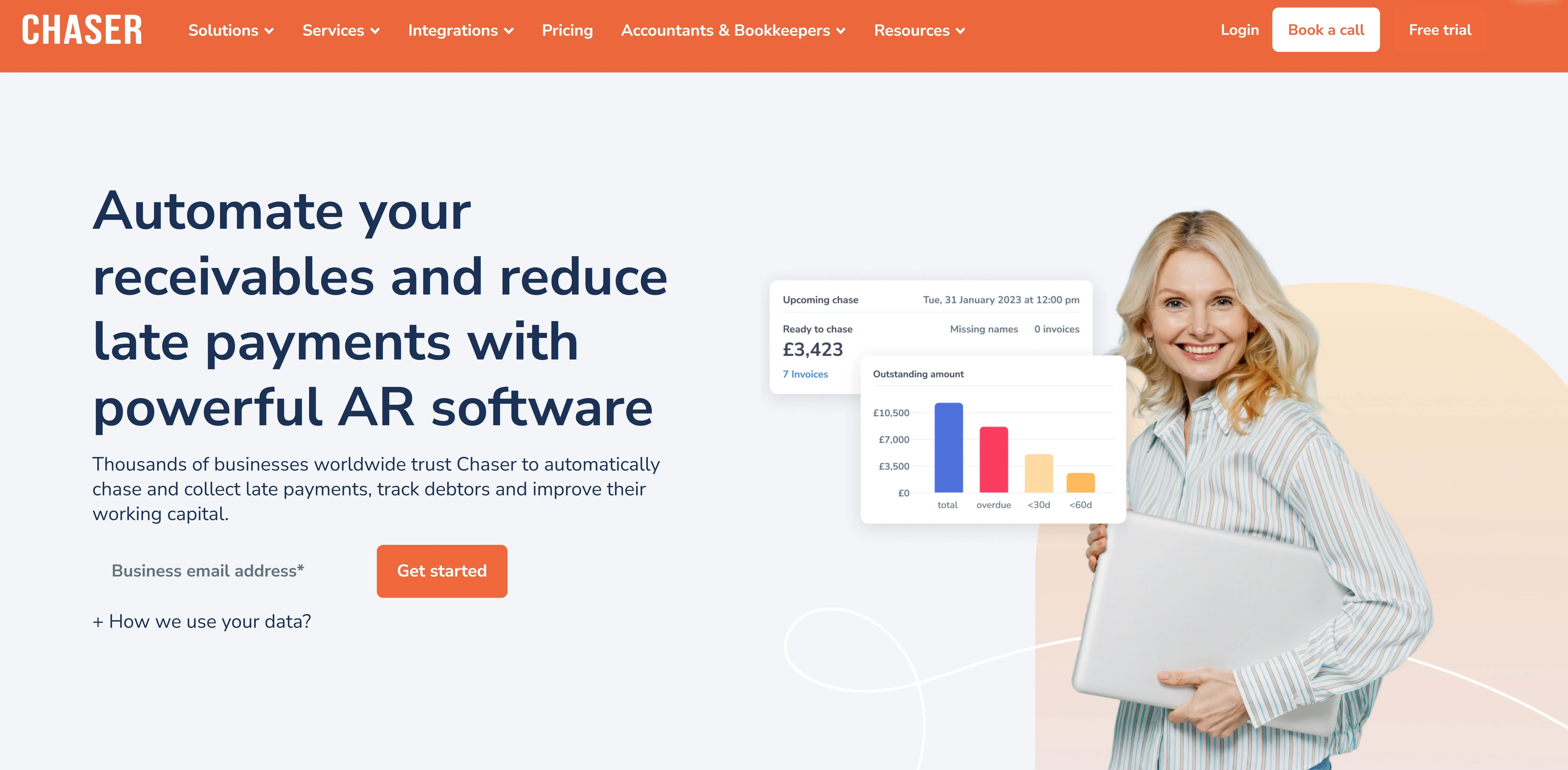
Chaser is built for mid-market B2B finance teams that need a single platform covering credit protection, automated chasing, payment facilitation, forecasting, and debt recovery, without enterprise pricing or an IT-led implementation.
It’s the only platform on this list that covers both ends of the invoice-to-cash cycle: protecting the business from extending credit to high-risk customers at the front end, and recovering bad debt at the back end. It integrates with Xero, QuickBooks, Sage, NetSuite, Dynamics, and other accounting platforms and is live the same week, with no IT involvement required.
Credit protection before invoices go overdue
Most mid-market AR tools start at the invoice stage. Chaser starts at the point where you decide whether to extend credit at all. Credit checking and credit limits at onboarding mean the £400k decision happens before the invoice goes out, not after the CCJ surfaces.
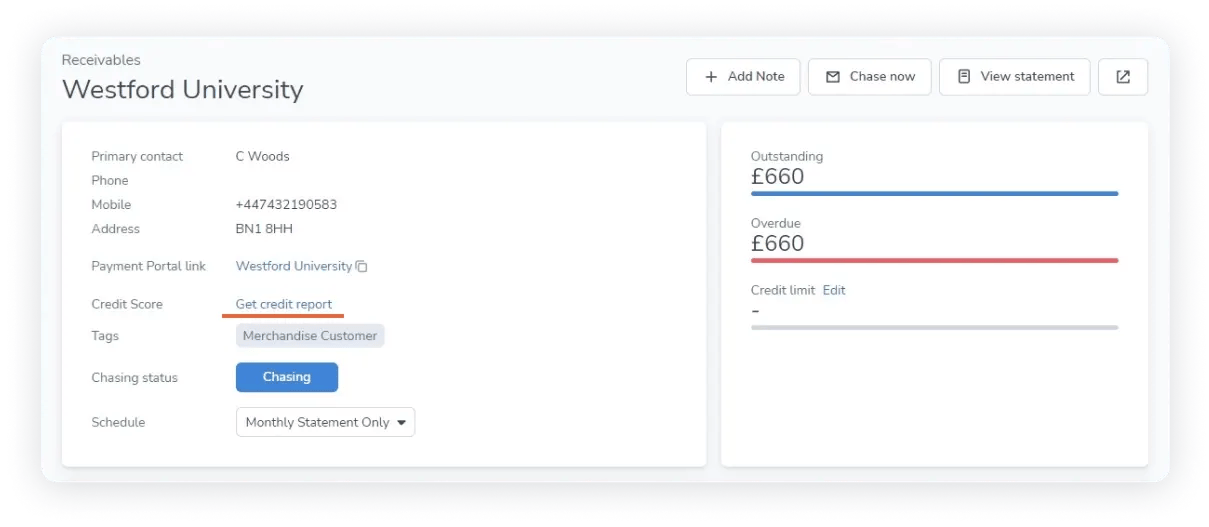
You see a new customer's risk profile and set their limit against it: full terms for a clean account, a capped limit or partial payment upfront for a shaky one. Ongoing monitoring flags an existing customer whose risk climbs, so you tighten terms before their next order instead of after the write-off.
Payer ratings and the Late Payment Predictor then score each open invoice by how likely it's to slip. Instead of chasing every account on the same weekly cadence, you put the team's time on the handful most likely to go late, and catch them before they age.
Forecasting and a payment portal in the middle of the cycle
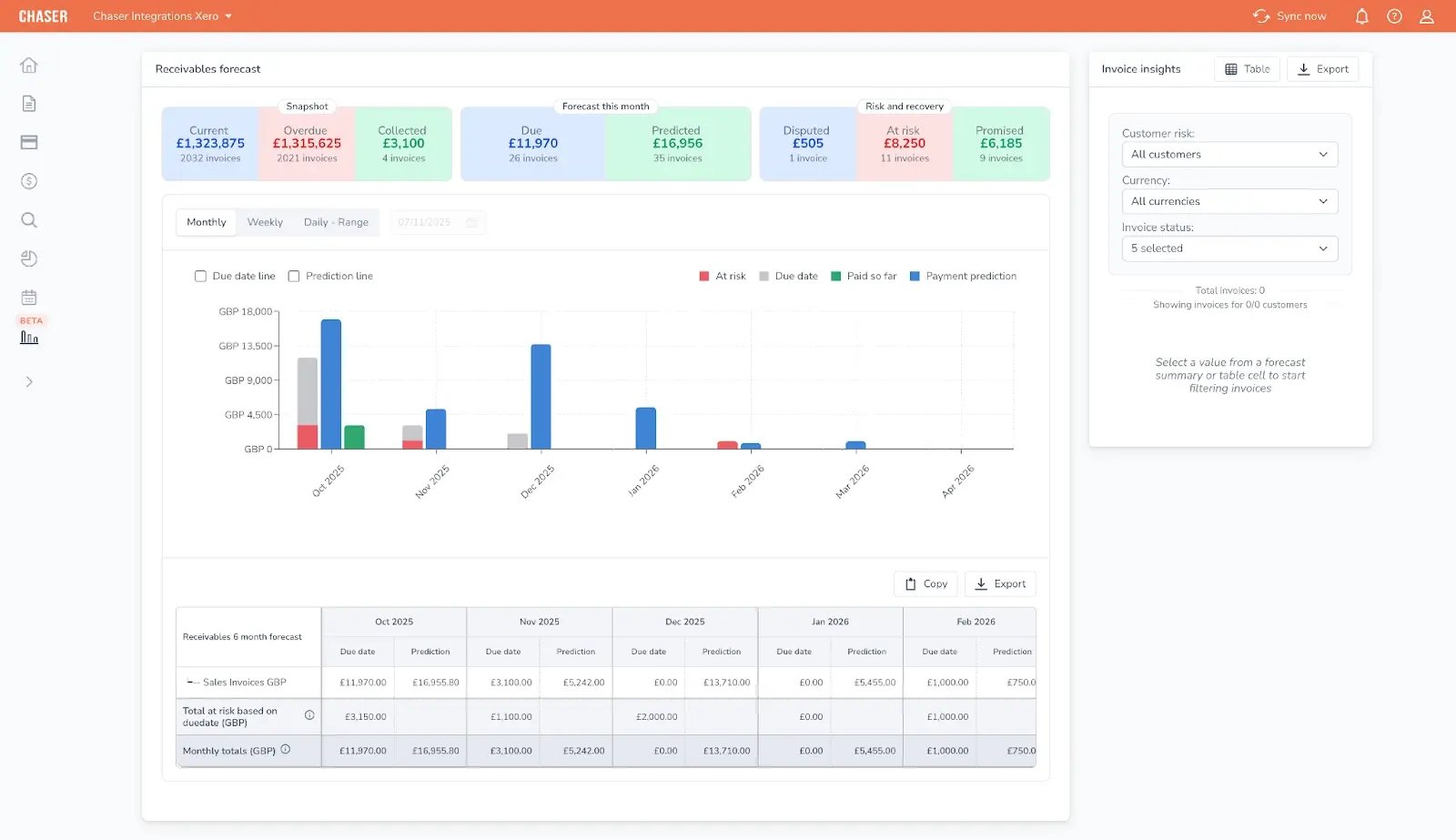
Between credit protection and debt recovery, forecasting tells you when cash will actually arrive. Chaser builds revenue, cash flow, and receivables forecasts from how each customer really pays. A customer who consistently pays at 50 days on Net-30 terms is forecast at 50 days, not 30.
So the number you take to the board, or use to decide whether next month's outgoings are covered, holds up, instead of a terms-based projection that runs three weeks optimistic and leaves you short.
The payment portal lets customers pay immediately by card, instant bank transfer, Apple Pay, or Google Pay, with payment plans available for structured installments. For accounts that can't clear the full balance, payment plans keep cash coming in on a set schedule rather than letting the account drift toward recovery.
On reconciliation, Chaser captures remittance advice so more payments match automatically and less ends up in the manual-exceptions pile at month-end.
No-win-no-fee recovery without sourcing your own agency
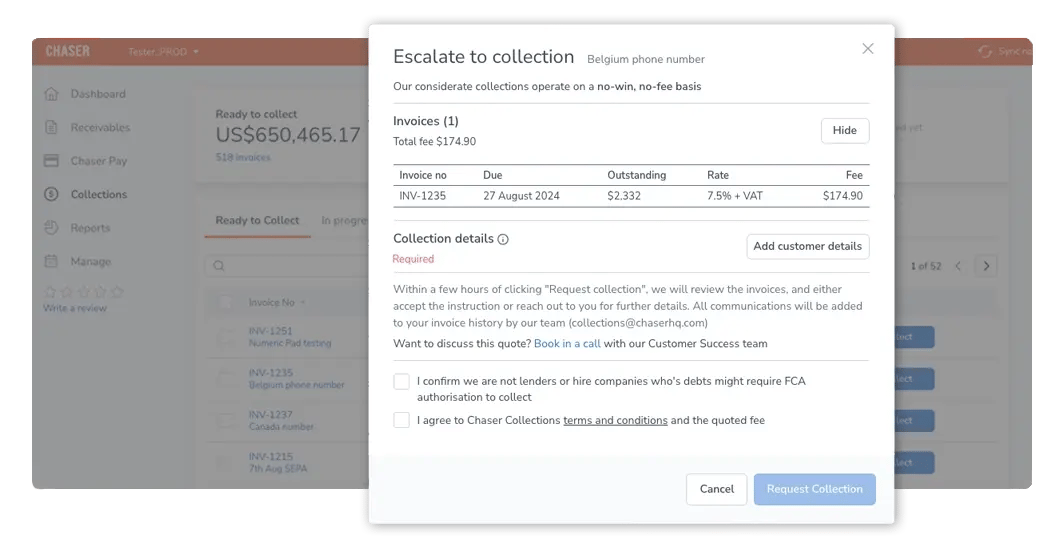
When invoices become bad debt, you don’t have to find and manage a collections agency. Chaser handles recovery through its collections partner on a no-win-no-fee basis, coordinated inside the same platform the AR team already uses. That way, you keep full visibility of collector activity and your brand voice throughout.
Automated multi-channel chasing that reduces days sales outstanding (DSO)
Chaser automates payment reminders across email, SMS, calls, and letters. All communications are sent from the finance team's own domain and email signature, so they look and feel personal rather than system-generated.
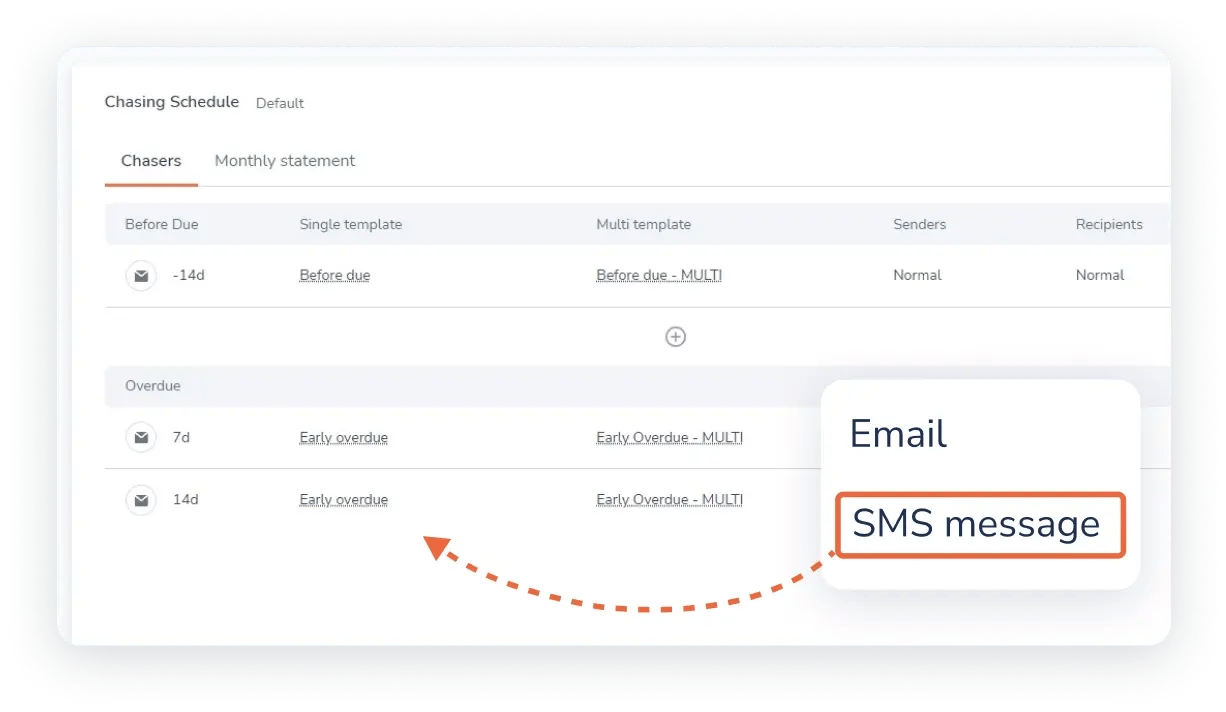
Custom schedules segment customers by payment behavior, so persistent late payers are chased differently from reliable ones. Used alongside the collections service, this is how Huttie Group closed the loop between automation and recovery end-to-end.
For a deeper look at chasing cadence and how to reduce days sales outstanding, see the DSO formula guide for a worked example: DSO formula guide.
Pros
- Covers both ends of the I2C cycle: credit protection at the front end and no-win-no-fee debt recovery at the back
- Live the same week with no IT support required
- Transparent, publicly listed pricing with a free trial
- No-win-no-fee collections coordinated in-platform, so you don't have to find and manage a separate agency.
- Forecasting across revenue, cash flow, and receivables, built from actual payment behavior
Cons
- Not built for complex, multi-entity enterprise finance operations in the way HighRadius is
- Some forecasting capability is currently available to Xero users only.
- More than a very small business needs if the only requirement is basic automated reminders
Pricing
Revenue-based pricing, with no lengthy implementation or opaque quotes. A free trial is available. See Chaser's pricing page for current plans.
What users say about Chaser
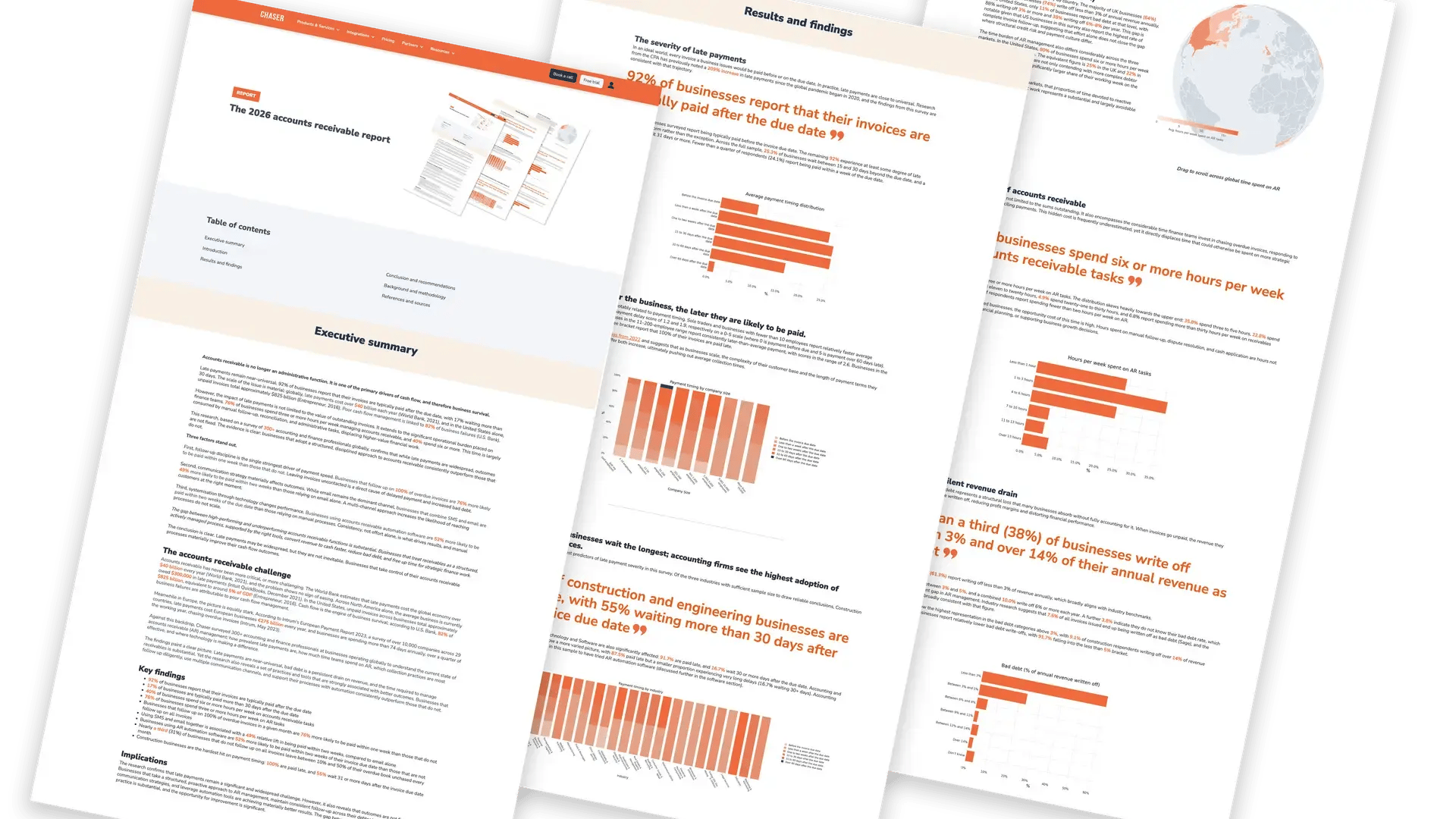
Chaser has a Capterra rating of 4.9/5 stars based on 45 user reviews. The platform's ease of use, improved debt collections, and credit control solutions are consistently praised by finance teams.
Huttie Group used Chaser's collections service alongside automation and recovered £15,000 in bad debt. Tom Hays, Head of Finance, described Chaser’s collections as an integrated part of his team's weekly and monthly credit control process.
TaxAssist Accountants collected £20,000 in client debt in 30 minutes and saved three weeks of staff time annually, demonstrating how systematic, automated chasing affects the operational burden on a finance team.
Community Energy Scheme came to Chaser with £2 million in old debt sitting on spreadsheets. After implementing Chaser (with Sage integrated in five minutes), the team recovered £800,000 in outstanding debt and now collects £18,000 every month automatically through the payment portal.
Three different problems, one consistent outcome: when the full cycle is covered in a single platform, recovered debt consistently converts into cash that arrives on a schedule.
Book a demo today to see how Chaser handles the full invoice-to-cash cycle, with no gaps.
2. HighRadius
Best for: Enterprises with complex multi-entity finance and dedicated IT
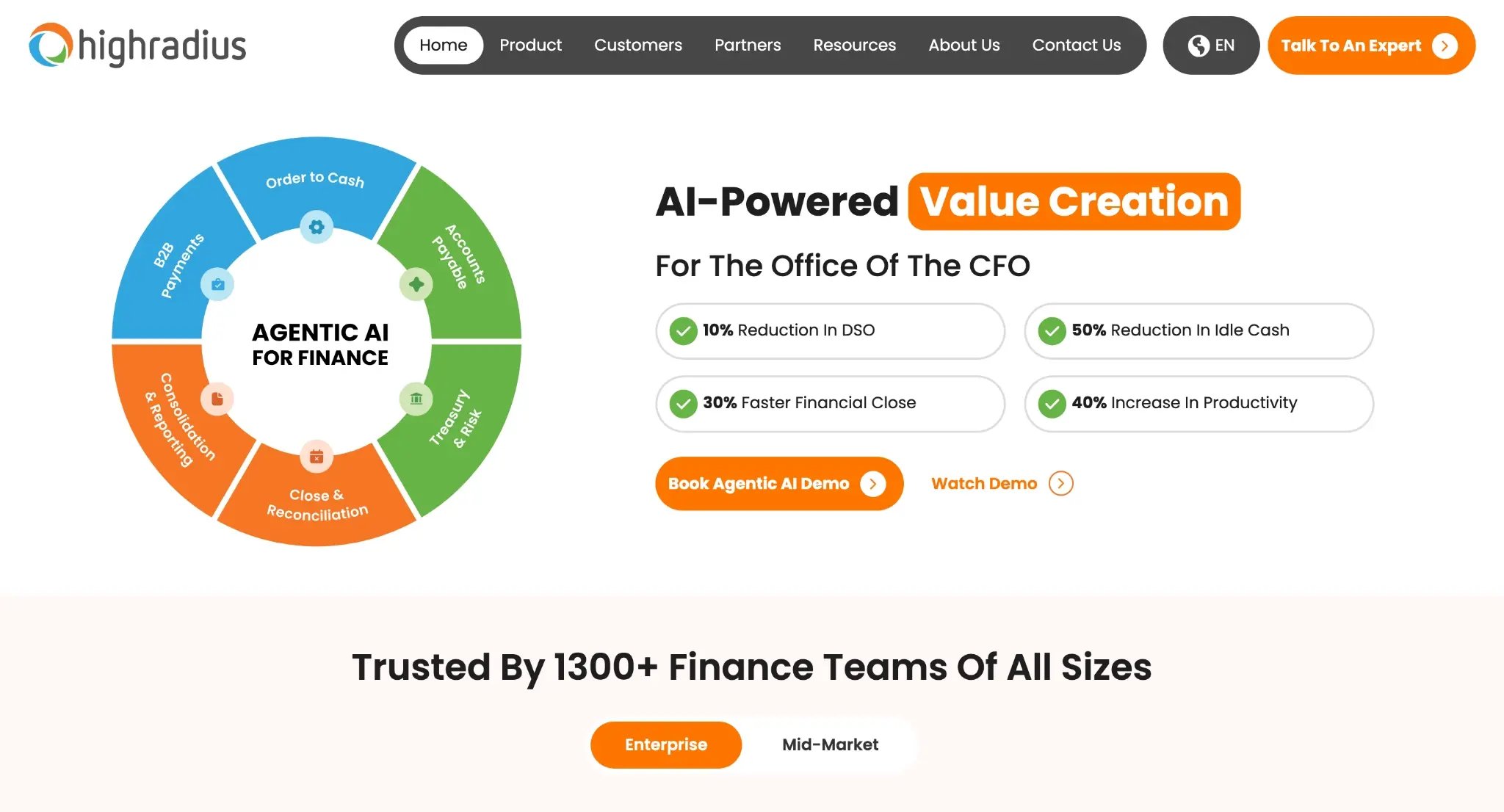
HighRadius is an enterprise finance automation platform covering the full I2C cycle: credit management, invoicing, collections, AI cash application, deductions, and treasury forecasting. It’s built for large enterprises running SAP, Oracle, and Workday, and it's the right answer for complex, multi-entity finance operations that have a dedicated IT team to implement and maintain it.
It’s not designed for mid-market teams running Xero or small-business accounting software, and it shouldn't be on the shortlist of teams without an IT resource. If that’s the capability you’re looking for, check out our comparison post on HighRadius alternatives.
Key features
- Full I2C suite with separately priced modules
- AI cash application with machine-learning invoice matching
- Category-specific AI forecasting across AR, AP, and payroll
- 50+ ERP integrations
- What-if scenario modeling and variance analysis
Pros
- Most comprehensive enterprise I2C coverage on this list
- Deepest enterprise ERP integration depth
- Treasury-level forecasting
- Recognized by Gartner and IDC
Cons
- Implementation and time-to-ROI are long, delaying the point at which the cycle is actually closed.
- Not suited to teams on Xero or SMB accounting software, which means mid-market teams who choose it often never fully own the process
- Requires an IT resource to implement and maintain. In practice, this means the tool sits in a procurement queue rather than in the AR team's hands
Pricing
Priced on a quote-only basis, with no public rate card and no free trial. Each module is scoped separately, so the total cost depends on which parts of the I2C suite are selected, the size of the organization, and the ERP environment.
What users say
4.4/5 (13 reviews) (Capterra)
HighRadius is praised for its automation quality and intuitive dashboards, while the most-cited complaints relate to setup complexity and unreliable support responsiveness.
3. Invoiced
Best for: Teams whose primary friction is cash application and reconciliation
Invoiced is an I2C platform with particular strength in cash application and reconciliation at volume, plus invoicing, payments, and collections. On cash application and reconciliation depth, Invoiced is the stronger tool. If a team's month-end bottleneck is matching payments to invoices at scale, Invoiced is the tool to shortlist first.
Key features
- Automated cash application and reconciliation
- Invoicing and recurring billing
- Customer payment portal
- Collections automation
- ERP and accounting integrations
Pros
- Strong cash application and reconciliation, which is the stage most likely to trap a high-volume team at month-end
- Established platform with broad AR coverage
- Recognized in G2 AR categories
Cons
- Lighter on front-of-cycle credit protection, meaning risky customers are still onboarded before risk is assessed
- No no-win-no-fee recovery service, so unrecoverable debt still requires a third-party agency
- Payment configuration friction is noted in reviews
Pricing
Invoiced doesn’t publish pricing publicly and doesn’t offer a free trial. Pricing is negotiated on a quote basis, with cost influenced by invoice volume, team size, and modules required.
What users say
4.7/5 (149 reviews) (Capterra)
Positive themes from Invoiced reviewers center on cash application, comprehensive automations, and data security. The major complaints focus on payment configuration, setup difficulties, and occasional collection glitches.
4. Billtrust
Best for: Enterprise B2B needing proven invoicing and cash application at scale
Billtrust is an AI-powered B2B order-to-cash platform covering invoicing, payments, cash application, collections, and credit. It targets mid-market and enterprise companies needing end-to-end automation at scale, with a particular advantage in invoice delivery through its 260+ AP portal connections.
Key features
- AI multi-channel invoicing with ePresentment and 260+ AP portal connections
- Cash application with high vendor-stated match rates
- Agentic collections workflow features
- 40+ ERP connectors
- Credit management and dispute resolution
Pros
- Broad analyst coverage
- Large review base
- 260+ AP portal connections for invoice delivery at scale
Cons
- Forecasting is an output of collections analytics rather than a named standalone feature. Teams that need forecasting as a primary capability will need to look elsewhere
- Top negative review tags relate to invoicing and payment issues
- No public pricing and no free trial, which slows mid-market evaluation
Pricing
Operates on a modular, quote-only pricing model with no public rate card and no free trial. Each module is scoped individually, with cost dependent on base licensing, invoice volume, modules selected, and payment processing fees.
What users say
4.7/5 (33 reviews) (Capterra)
Billtrust is praised by reviewers for its ease of use, business payment network, and integrations. The top complaints concern invoicing delays, limited dispute management, and payment configuration.
5. Esker
Best for: Multinationals needing full I2C automation with e-invoicing compliance
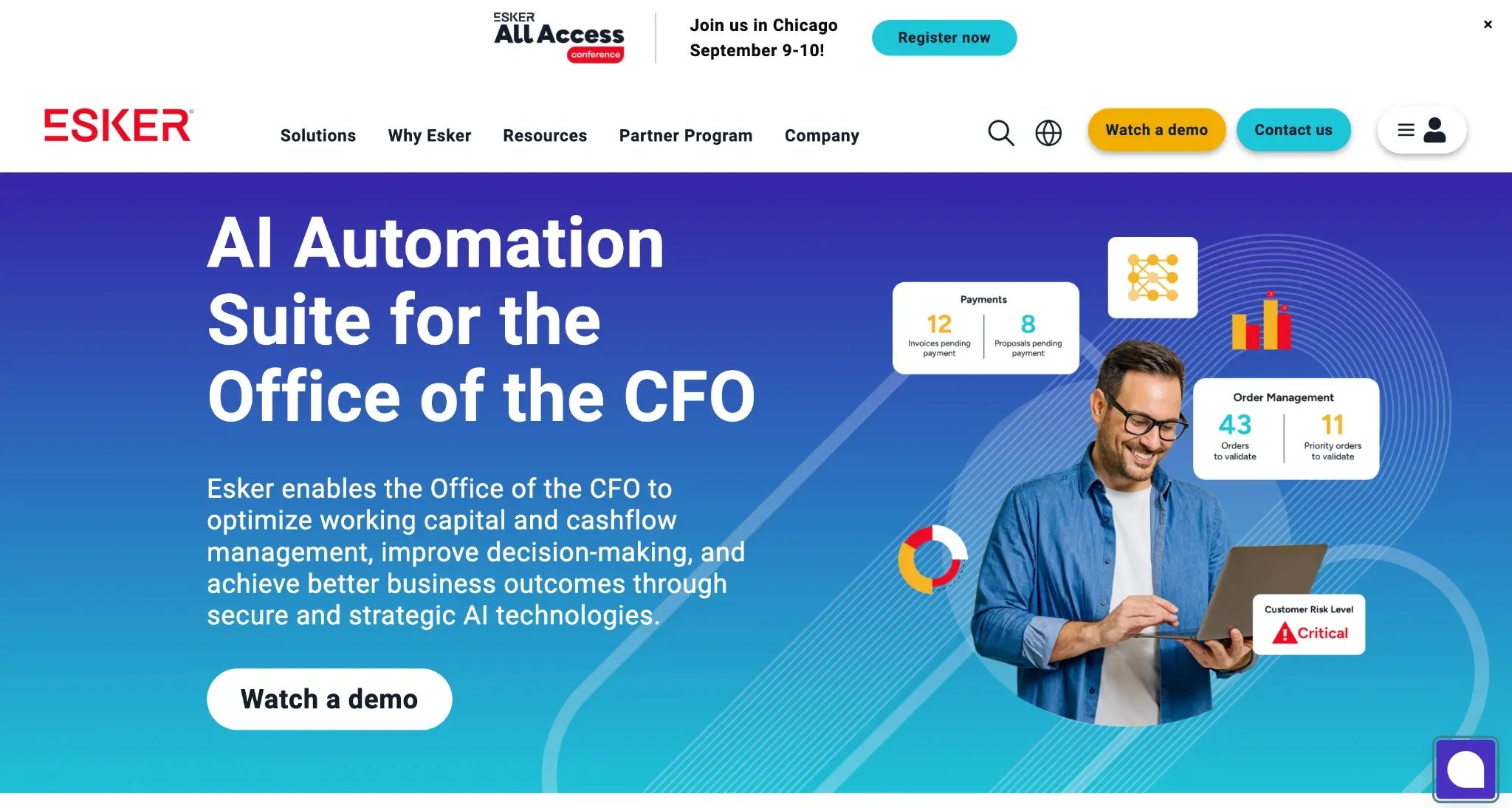
Esker is a global cloud platform for AI-powered business automation covering the full I2C cycle, from order capture through collections and recovery. Its standout capability is e-invoicing compliance across 60+ countries, a requirement that no other platform on this list matches, and one that makes it the obvious choice for multinationals with cross-border regulatory obligations.
Key features
- Full I2C suite, including upstream order management
- AI invoice delivery with e-invoicing compliance in 60+ countries
- Cash application with remittance management
- Collections with promise-to-pay forecasting
- ERP-agnostic integration
Pros
- The only platform here with confirmed e-invoicing compliance in 60+ countries
- Full upstream I2C coverage, including order management
- Strong global presence
Cons
- Customization complexity with non-standard ERPs is reported in reviews, which extends the time before the full cycle is automated
- Reporting depth is noted as a limitation by some users, which matters most for teams needing detailed management-level metrics
- Volume-based subscription with separate implementation pricing adds upfront cost before value lands
Pricing
Priced on an annual subscription basis, with cost calculated by document volume rather than a flat per-seat fee. Implementation is scoped and priced separately from the subscription.
What users say
4.6/5 (38 reviews) (Capterra)
Users highlight automation efficiency, SAP integration, and order management as the platform's strengths. The negative themes include ERP customization complexity and occasional platform downtimes.
6. Quadient AR
Best for: Teams wanting ML-based payer forecasting with risk-based grading
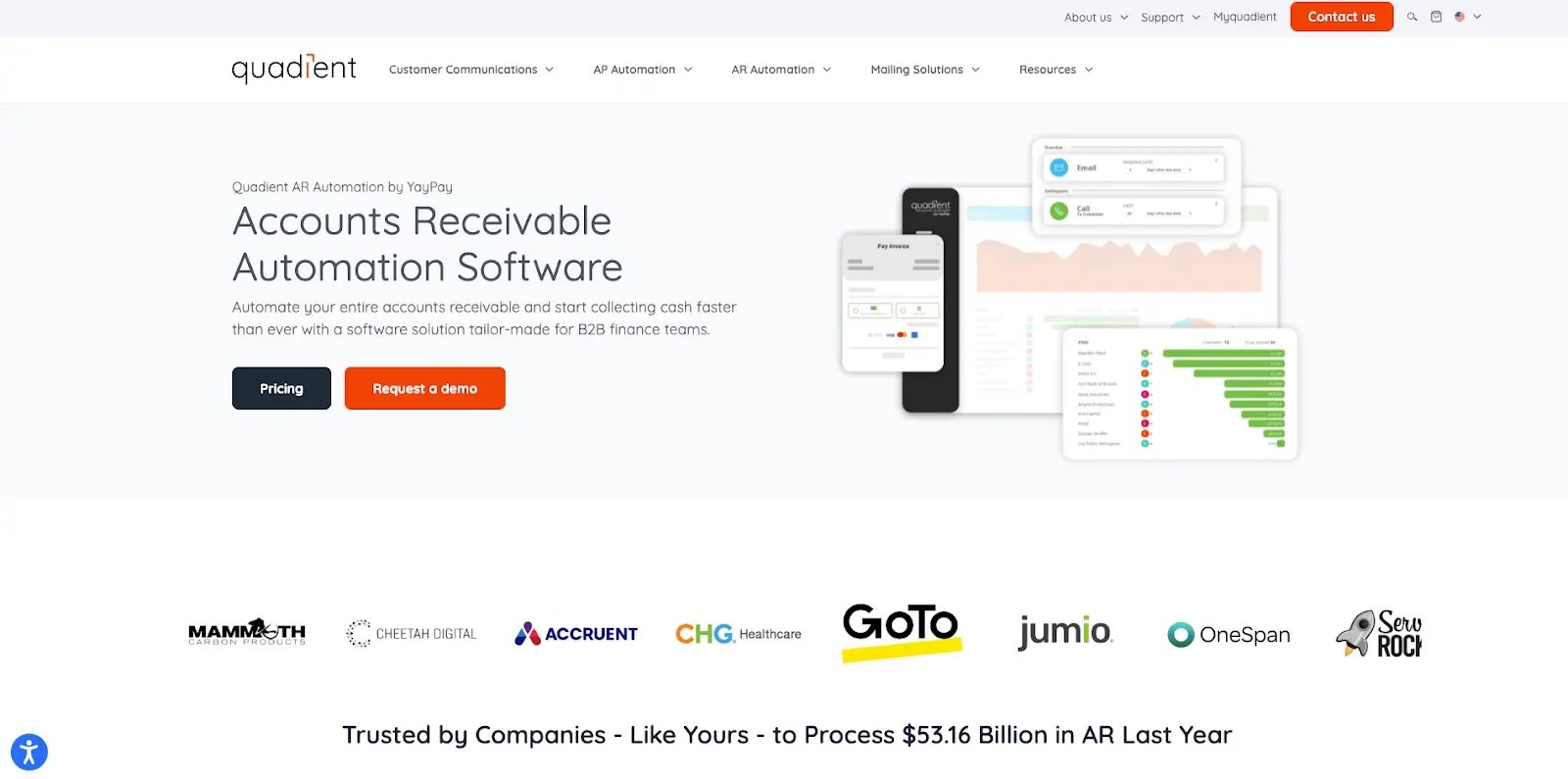
Quadient AR (formerly YayPay) covers the full AR lifecycle: credit management, invoice delivery, automated collections, dispute management, payment portal, cash application, and analytics. Its named central feature is ML-based cash flow forecasting with A–E customer grading, which enables risk-based workflow assignment at scale.
Key features
- ML-based cash flow forecasting
- A–E customer grading for risk-based prioritization
- No-code collections workflow builder with multi-channel dunning
- Payment portal with multicurrency and autopay
- Credit management with bureau integrations
Pros
- Forecasting is a named central feature, prominently positioned rather than an afterthought
- Risk-based customer grading enables automated workflow assignment without manual prioritization
- Consistently rated for ease of use and fast implementation
Cons
- Forecasting draws on historical payer patterns rather than live chasing activity, so projections can lag actual collections behavior
- Reporting limitations for multi-subsidiary structures complicate group-level reconciliation
- Support responsiveness is inconsistently rated in reviews
Pricing
Quadient AR doesn’t publish a standard rate card and prices on a custom quote basis, with costs varying by team size and invoice volume. There is no publicly available free trial.
What users say
4.5/5 (33 reviews) (Capterra)
Users praised Quadient AR for its ease of use, invoicing generation, and bill collection. Reviewer complaints centered on subsidiary reporting limitations and the lack of consolidated reporting.
7. Kolleno
Best for: SMB and mid-market companies wanting AI-driven collections with autonomous agents
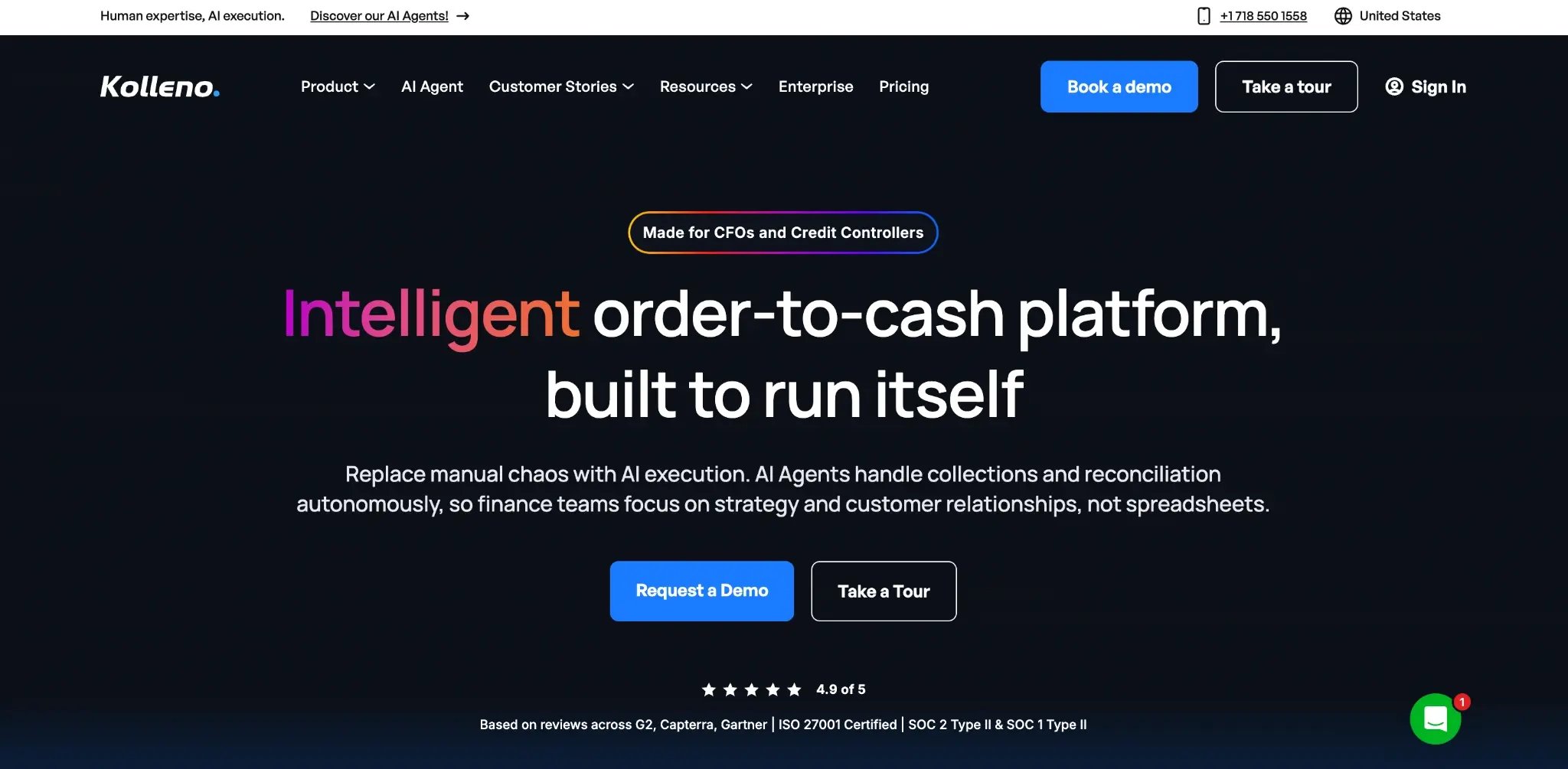
Kolleno is an AI-driven AR and collections platform positioning itself as a full I2C hub: credit control, automated collections, reconciliation, cash forecasting, payment portal, and AI agents for autonomous execution. It pulls from ERP, accounting, CRM, and bank systems in real time, and its autonomous agent architecture is its headline differentiator.
Key features
- AI multi-agent workflow with configurable autonomy levels
- Customer segmentation with tone customization per segment
- Cash flow forecasting from payment behavior
- Cash application and reconciliation automation
- Credit monitoring and credit limits
Pros
- AI multi-agent architecture for autonomous collections and risk monitoring
- Forecasting is a standard feature, available without an upgrade
- Customer segmentation praised in reviews
Cons
- No no-win-no-fee recovery service for unrecoverable debt. Bad debt still requires a third-party agency
- Mobile functionality is noted as limited in reviews
- Integration add-on charges may apply
Pricing
Kolleno charges a monthly flat fee per user, making the base cost predictable as the team grows. Some integrations carry additional charges, so the total cost of ownership should be confirmed with the vendor before selecting a plan.
What users say
5/5 (8 reviews) (Capterra)
User reviews highlight the platform's collection efficiency and reporting and analytics features as its strengths. The major complaints are about the limited integration with certain systems and the lack of data customization.
8. Upflow
Best for: SMB and lower mid-market wanting fast setup collections with a free entry plan
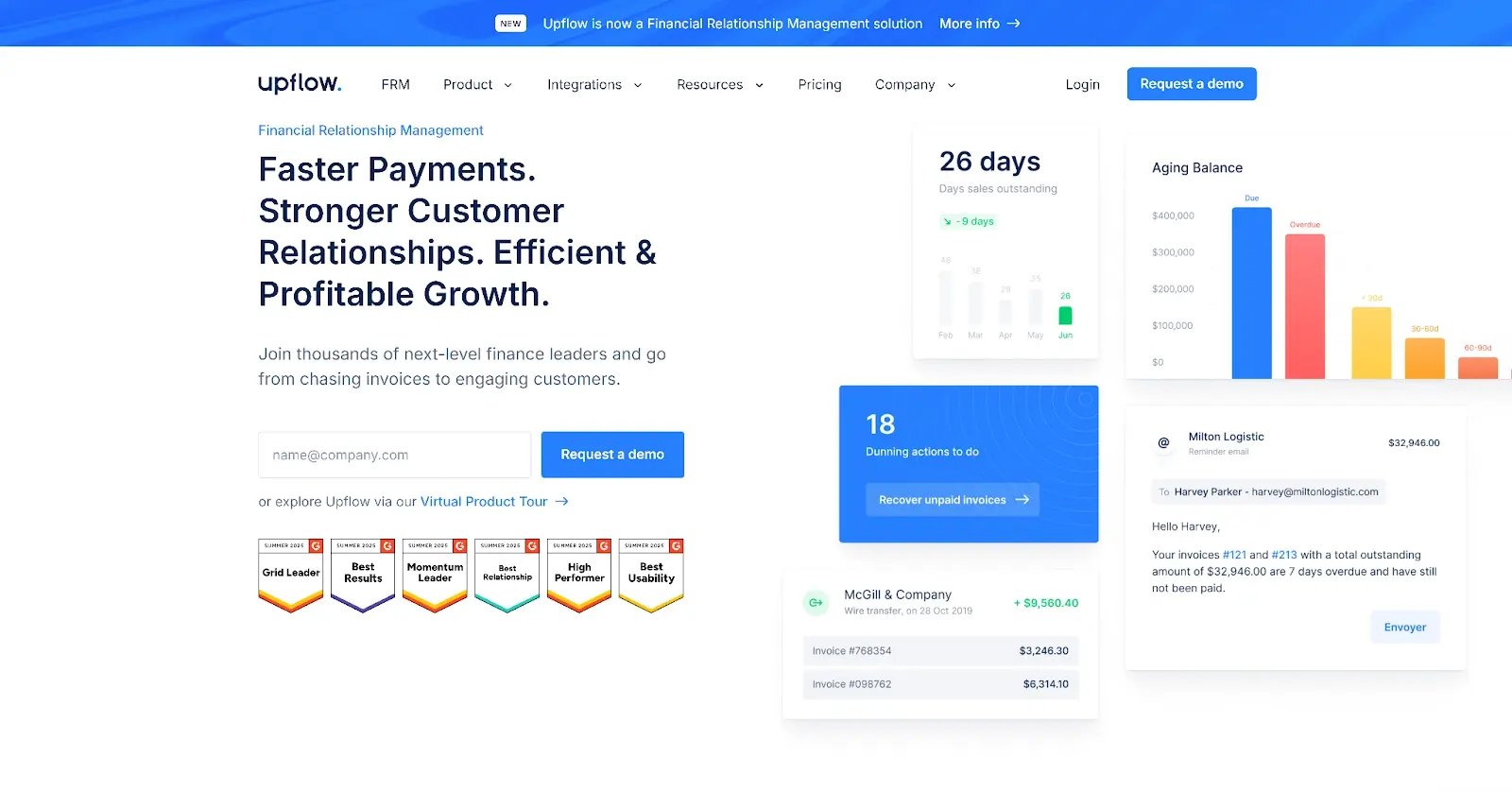
Upflow is an AR automation platform focused on the collections and cash visibility stages: invoice tracking, automated dunning, cash application, payment portal, and analytics. A free Discover plan exists with no time limit, making it the only genuine no-cost entry point on this list. Premium plans are priced by ARR. It covers automation well, but nothing before the invoice goes overdue, leaving the front of the cycle entirely exposed.
Key features
- Customizable multi-stage collections workflows (email, SMS, calls, letters)
- AI-suggested promise-to-pay for forecasting
- Automatic cash application
- Customer payment portal
- Real-time AR analytics with DSO tracking
Pros
- The Free Discover plan is the only genuine no-cost entry point on this list
- Fast setup and modern UX are consistently praised in reviews
- Strong accounting and ERP integrations
Cons
- No credit control of any kind. Risky customers are onboarded before their risk is ever assessed, which leaves the front of the I2C cycle entirely exposed
- No collections service for unrecoverable debt, so escalation still requires a third party
- Reporting flexibility is noted as a limitation in reviews
Pricing
Upflow offers a free Discover plan with no time limit, making it the only genuine no-cost entry point on this list. Premium plans are priced on an ARR-based model, meaning cost scales with the size of the business rather than per seat.
What users say
4.5/5 (15 reviews) (Capterra)
Users praise Upflow’s ease of use, no-code integration, and automation. Highlighted negative themes include reporting rigidity and limited customization fields from the ERP.
9. Gaviti
Best for: Mid-to-large B2B with complex multi-ERP environments
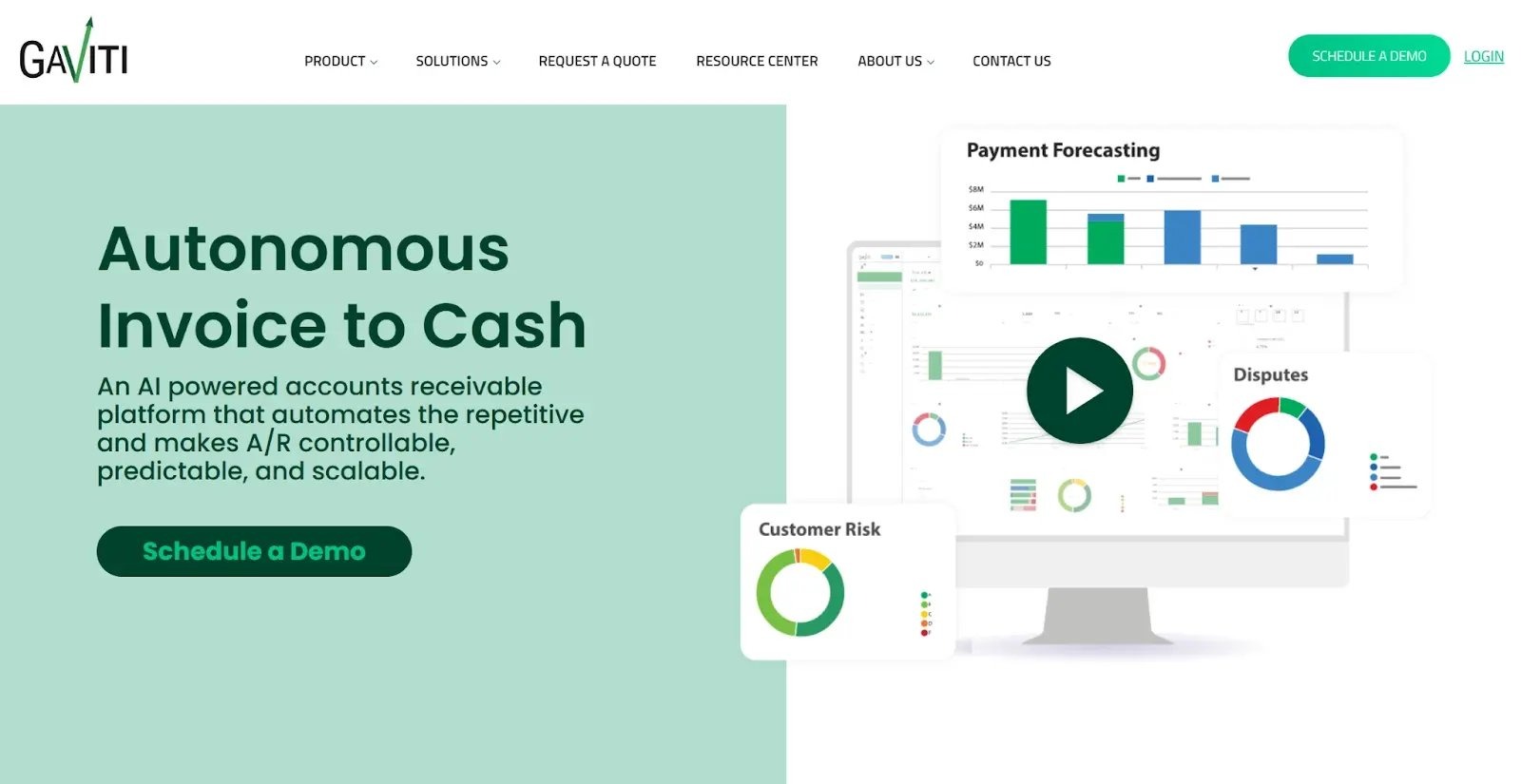
Gaviti is an AI-powered AR automation platform for B2B businesses that invoice on credit. It’s ERP-agnostic, connecting to cloud and on-premise systems simultaneously, giving it the broadest ERP range on this list, with unlimited users and workflows on all plans. Payment forecasting is surfaced directly in the collections dashboard rather than being positioned as a separate module.
Key features
- AI-generated collections workflows with unlimited customization
- Payment forecasting on the main AR dashboard
- AI credit management with bureau integrations
- Cash application
- Multi-ERP support, including simultaneous connections to cloud and on-premise systems
Pros
- ERP-agnostic architecture supports the broadest range of accounting systems here, including on-premise
- Payment forecasting is a standard dashboard feature
- Recognized in G2 grids
Cons
- Slow performance under load is the top complaint in reviews. This bites hardest at high-volume month-end reconciliation, exactly when the tool needs to perform
- Payment issues are noted as a frequent negative tag
- Implementation and time-to-ROI are longer than mid-market teams expect
Pricing
Gaviti prices on a quote basis tied to invoice volume, with unlimited users and workflows included across all plans. There is no free trial.
What users say
4.5/5 (91 reviews) (Capterra)
Users highlight ease of use and automation as the platform's strength. The most-cited complaint is slow performance under load.
10. Paidnice
Best for: Very small businesses needing basic automated reminders at a low cost
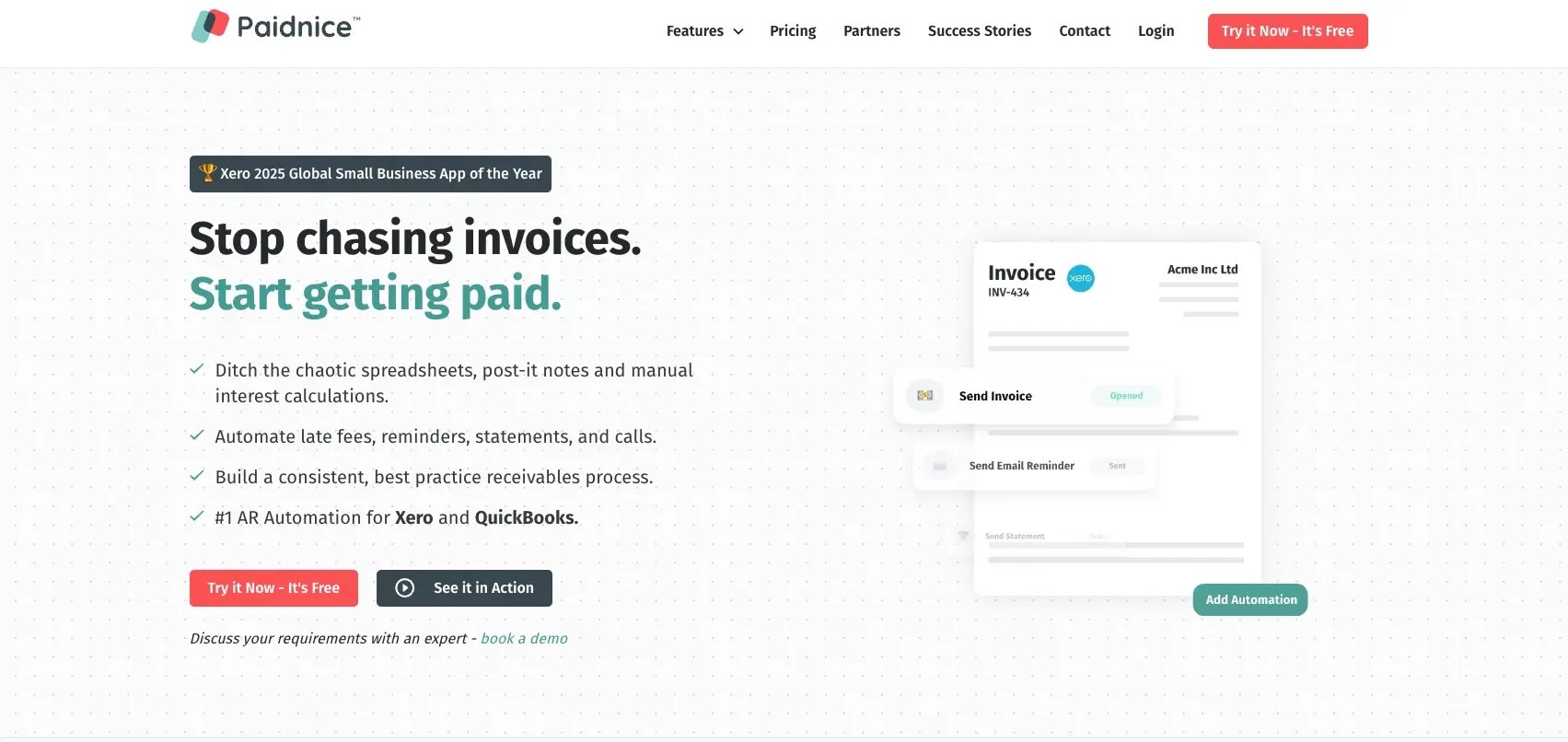
Paidnice is a lightweight automation tool for small businesses focused on automated reminders, late fees, and basic chasing on top of Xero, QuickBooks, and similar accounting software. For teams whose only requirement is basic automated reminders at a low price point, it's simpler and cheaper than anything else on this list. It’s a fundamentally different product from full-cycle I2C automation, and shouldn't be on the shortlist of a mid-market team with credit risk, reconciliation, or recovery requirements.
Key features
- Automated payment reminders
- Automatic late fees and interest
- Discounts and surcharges
- Customer statements
- Accounting software integrations (Xero, QuickBooks)
Pros
- Simple and inexpensive for the smallest teams
- Quick to set up on existing accounting software
- Public, accessible pricing
Cons
- No credit control or risk monitoring. The front of the I2C cycle is entirely uncovered
- No cash application or reconciliation depth. Month-end matching stays manual
- No collections service. Unrecoverable debt is fully on the team to handle, which doesn't scale for mid-market volume
Pricing
Paidnice offers publicly listed, tiered pricing at a low monthly cost, making it the most affordable option on this list for very small businesses. Plans vary by the number of features enabled rather than by invoice volume or team size.
What users say
4.9/5 (13 reviews) (Capterra)
Positive themes from reviewers center on the platform's simplicity and affordable pricing. The key limitations center on a lack of functional depth beyond reminders.
Which invoice-to-cash software is right for you?
The right platform depends on which stage of the invoice-to-cash cycle is creating the most friction for your team. The table below routes different buyer types to the best-fit option on this list.
|
Where your I2C process breaks down |
Recommended tool |
Primary reason |
Pricing model |
|
Risky customers slip through before invoices go out; overdue accounts pile up; no IT resource to deploy a tool |
Chaser |
Credit checking and limits before invoices go out, automated multi-channel chasing, forecasting, and no-win-no-fee recovery, all in one platform, live the same week |
|
|
Complex, multi-entity enterprise finance with dedicated IT and an ERP-heavy stack |
HighRadius |
Most comprehensive enterprise I2C suite on this list, with AI cash application and treasury forecasting |
Quote-based |
|
High-volume cash application and reconciliation is the month-end bottleneck |
Invoiced |
Strongest cash application and reconciliation depth on this list |
Quote-based |
|
Invoice delivery at scale across many AP portals |
Billtrust |
260+ AP portal connections and high cash application match rates |
Quote-based |
|
E-invoicing compliance across multiple countries is a regulatory requirement |
Esker |
Confirmed e-invoicing compliance across 60+ countries |
Volume-based annual subscription |
|
Fast setup is the priority and a free entry plan matters |
Upflow |
Free Discover plan, fast setup, modern collections workflows |
Free plan. ARR-based premium tiers |
|
Very small business needing basic automated reminders at low cost |
Paidnice |
Simple, low-cost reminder and late-fee automation |
Public tiered pricing |
Frequently asked questions