

























Order-to-cash automation uses software to run the steps between a customer placing an order and the cash landing in your bank, with less manual work at each step. For most mid-market finance teams, the biggest gains come from three stages: getting invoices out quickly, chasing them consistently and matching payments to invoices. This guide explains what to automate, in what order, which numbers to track and how to choose order-to-cash software.
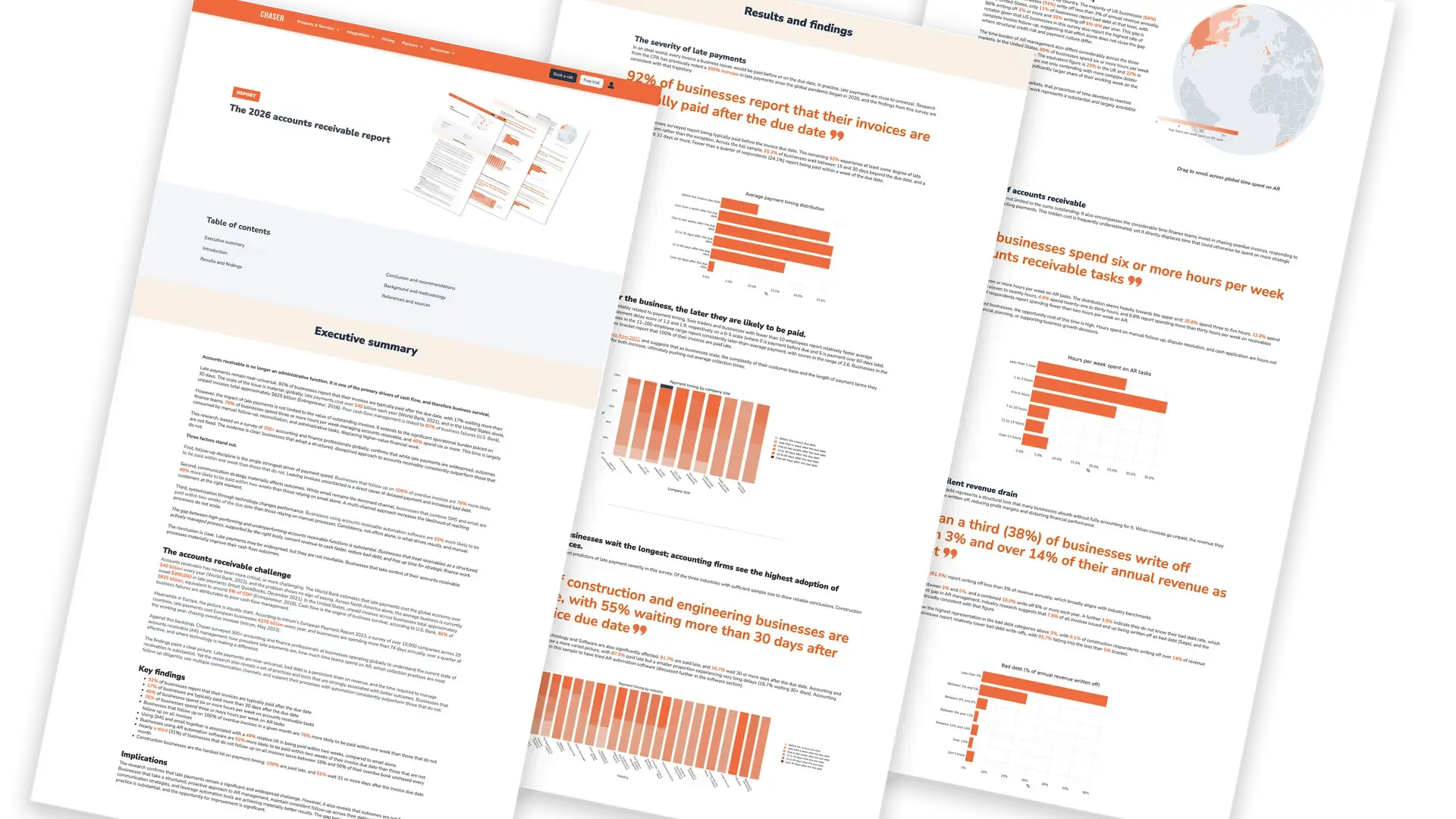
Revenue can be strong while cash flow still feels fragile. A big deal closes, but the cash sits in receivables. Forecasts look healthy, yet the bank balance does not match the plan. According to Chaser's 2026 accounts receivable report, 92% of businesses say their invoices are typically paid after the due date, and 40% spend six or more hours a week managing accounts receivable.
What is order-to-cash automation?
The order-to-cash (O2C) cycle covers everything from a customer order to a reconciled payment. Order-to-cash software automates some or all of its stages, and reports on how cash is moving through them. Few businesses need every stage automated by one platform. The table shows what automation does at each stage and who usually owns it.
| Stage | What automation does | Usually owned by |
|---|---|---|
| Order capture | Takes orders from email, portals or EDI into your system without retyping | Sales or operations |
| Credit approval | Checks a customer's payment history and risk before you extend terms | Finance or credit |
| Fulfillment | Tracks delivery or completion so the invoice can be triggered | Operations |
| Invoicing | Creates and sends accurate invoices as soon as work is complete | Finance |
| Collections | Sends reminders on a schedule, records replies and escalates overdue invoices | Finance or AR |
| Payment processing | Lets customers pay by card or bank transfer from a link or portal | Finance |
| Cash application | Matches each payment to the invoice it settles and updates the ledger | Finance |
| Reporting | Shows DSO, overdue balances and expected cash in one place | Finance |
Operational and financial order-to-cash
Discussions about the order-to-cash process often blend two different jobs. Operational order-to-cash covers order management, stock, fulfillment, shipping and delivery. It matters for customer experience and cost, but it rarely fixes a cash flow problem quickly. Financial order-to-cash covers invoicing, collections and cash application. That is where working capital gets trapped and where days sales outstanding (DSO) quietly grows.
Many platforms sold as order-to-cash automation are built around the operational side, and finance inherits the consequences: delayed invoices, errors, missed follow-ups and slow reconciliation. A useful way to think about it: automating fulfillment makes the trucks leave faster, while automating financial order-to-cash makes sure the trucks get paid. Mid-market teams rarely need to automate the whole cycle to see results. A finance-led approach targets the three stages below first.
The three stages where cash gets stuck
Invoicing and delivery
The payment clock only starts when the customer receives an invoice they can pay. If an invoice sits five days in draft and takes three days to arrive, eight days are lost before chasing even begins, and that is a process problem rather than a customer one. Delays usually come from handoffs: the quote lives in a CRM, delivery confirmation in a project tool, the invoice in the accounting system and the payment link in a separate payment platform. Each handoff is a chance for delay or error.
Collections and payment reminders
This is where most cash gets trapped. Invoices often go unpaid not because customers refuse to pay, but because yours is one of many supplier invoices competing for attention in their accounts payable queue. Manual reminders depend on workload: when your team is busy, reminders slip, customers deprioritize you and DSO grows. Promises to pay end up spread across inboxes and spreadsheets, so it is hard to see which accounts are really at risk.
Cash application and reconciliation
Even after a customer pays, the cash is not useful until it is matched to the right invoices. That gets harder when customers pay without a reference, pay several invoices in one amount or short-pay because of a dispute. If your systems are out of sync, reminders can go out for invoices that are already paid, which damages trust however polite the message is.
How to automate the order-to-cash process, step by step
Automate in stages rather than in one switchover. The sequence below follows three phases, protect, chase and collect, after a baseline that tells you whether the changes worked.
Before you start: record a baseline
Write down three numbers before you change anything: your DSO, the share of invoices that are overdue and the hours your team spends chasing each week. The free DSO calculator works out DSO, best possible DSO and average days delinquent from figures in your accounts. Without a baseline, you cannot show what automation changed.
Protect: prevent problems before invoices are due
Check credit before you extend it
Credit decisions should reflect how a customer actually pays. Classify each customer by risk, set terms and limits to match, and step in early when a customer's payments start to slip. The goal is not to block growth, but to manage risk on purpose.
How Chaser helps: Payer rating groups customers as good, average or bad payers based on their payment behavior, and the late payment predictor identifies invoices at risk of being paid late, so you can act before they age.
Get invoices out the same day
Set clear invoice triggers, such as delivery confirmation, a milestone or a contract date. Make sure invoice data is complete when the invoice is created, and connect your source systems to your accounting system so nobody retypes line items.
How Chaser helps: Chaser connects to accounting systems and ERPs including Xero, QuickBooks Online, Sage, NetSuite and Microsoft Dynamics 365 Business Central, with two-way sync. Systems such as SAP connect through the Chaser API or CSV import.
Make paying easy
Customers pay sooner when the next step is obvious. Every invoice and reminder should show the due date, the amount and a direct way to pay, with payment methods your customers already use.
How Chaser helps: The payment portal and Chaser Pay put payment links in invoices and reminders, with instant bank transfer, debit and credit cards, Apple Pay and Google Pay.
Chase: collect consistently without damaging relationships
Automate reminders across every channel
Every invoice should get reminders according to your policy, not according to how busy the team is. A practical sequence includes a reminder before the due date for customers who tend to pay late, a clear reminder on the due date, follow-ups after it that become firmer without becoming hostile, and a payment link in every message. A long-standing good payer should not get the same sequence as a regular late payer.
How Chaser helps: Chaser sends reminders by email, SMS, automated phone call and letter, on schedules set by invoice due date and customer segment, with templates in your own branding and tone. Recommended chasing times suggests the days and times customers are most likely to respond.
Prioritize by risk, not by age
Chasing time is limited. Instead of working down an aged debt report from the oldest invoice, focus on the invoices most likely to be paid late and the accounts with the most at stake. That cuts wasted chasing of reliable payers and catches risky invoices early.
Keep one record of every conversation
When reminders, replies, promises to pay and disputes sit in different inboxes, your team spends time searching instead of collecting. Keep a single timeline per customer with reminder history, responses, promises to pay, dispute notes, payment status and the next action.
How Chaser helps: Chaser keeps a record of every reminder sent to each customer, and the AI email generator drafts replies to debtor emails with invoice references, balances, due dates and payment links, ready to send or edit.
Collect: recover aged debt systematically
Escalate by policy, not by frustration
Decide in advance what triggers escalation, for example a number of days overdue, an invoice above a set value, repeated broken promises or no reply after a set number of reminders. Escalation can mean a firmer sequence, a late payment fee where your contract allows it, and finally a collections service.
How Chaser helps: Late payment fees are applied automatically by rules you set, as a fixed amount, a percentage or daily interest, by customer segment or invoice.
Offer payment plans that get you paid
Some customers cannot pay in full but can pay in installments. Payment plans work when the agreement is clear, each installment is tracked and every missed installment is chased automatically.
How Chaser helps: Payment plans let you set the number of installments and how often they fall due, such as weekly, every two weeks, monthly or yearly, and Chaser chases each installment automatically.
Use a collections service that protects relationships
Some invoices will still age past 60 or 90 days. A professional, firm collections process recovers cash while keeping the door open for future business.
How Chaser helps: Chaser debt collections work on a no-win-no-fee basis, and you can send an invoice to collections from inside Chaser. Chaser Care pairs the software with a dedicated AR specialist if you would rather not chase in-house.
Cash application: match payments to invoices
Cash application tools read bank feeds and remittances, suggest which invoices each payment settles and post the match to your ledger. For many mid-market teams, the accounting system and the bank feed already handle much of this, and the priority is keeping payment status in sync so paid invoices stop being chased. If you receive many lump-sum or unreferenced payments, see the comparison of cash application software.
Order-to-cash analytics: the numbers to track
Order-to-cash analytics should answer two questions: how quickly are you turning invoices into cash, and is it getting better? These measures cover most finance teams:
- Days sales outstanding (DSO). Accounts receivable divided by credit sales for the period, multiplied by the number of days. See the DSO formula guide.
- Best possible DSO and average days delinquent (ADD). Best possible DSO shows what DSO would be if every customer paid on time. ADD is the gap between that and your actual DSO, so it isolates late payment from your payment terms.
- Share of invoices overdue. The percentage of open invoices past their due date, tracked weekly.
- Collection effectiveness index (CEI). The share of collectible receivables you collected in the period. The closer to 100, the better.
- Hours spent chasing. The simplest measure of whether automation has freed up your team.
Record them at the same point each month, and compare against the baseline you set before automating.
Where AI fits in order-to-cash automation
AI is most useful where order-to-cash work involves judgment at volume: predicting which invoices will be paid late, grouping customers by payment behavior, choosing when to send reminders and drafting replies to customer emails. It works best on clean, connected data, so connect your accounting system and set your reminder policy before you rely on AI to prioritize. Keep a person in charge of disputes, credit decisions and escalation to collections.
Approaches that do not scale
Most finance teams have tried obvious fixes. These tend to break as volume grows:
- People as the integration layer. A finance lead copying data between CRM, accounting, payments and bank feeds works at low volume, then becomes a bottleneck.
- The spreadsheet tracker. Spreadsheets describe the problem, with aging buckets and risk rankings, but they do not change customer behavior and they go stale quickly.
- An enterprise suite by default. Full order-to-cash suites can mean a long implementation, enterprise pricing and cross-functional change that a mid-market team may not have the bandwidth for.
- Custom internal tools. Building a chasing workflow in-house creates technical debt and depends on the person who built it.
- Separate point tools. A reminder tool, a dashboard and a payment tool that do not share data create new silos.
- Handing everything to an agency. Collection agencies charge a share of what they recover, and an aggressive tone can lose customers you want to keep.
- Retyping orders and remittances. Manual entry from PDFs and emails is slow, error-prone and causes corrections further down the line.
How to choose order-to-cash software
Work through these questions before booking demos:
- Which stages are costing you the most time or cash? If chasing is the problem, a collections-focused platform may beat a full suite you only use part of.
- Does it connect natively to your accounting system or ERP, and how long does that take?
- Who will run it day to day? Enterprise suites assume a dedicated AR team.
- What happens to invoices that reminders do not recover?
- Is pricing published, and what is it based on: users, revenue or invoice volume?
For side-by-side comparisons, see the guides to the best order-to-cash software and best accounts receivable software.
Results from Chaser customers
- Docuflow: invoices paid 54 days faster after their accountants, FHC, set up automated chasing with Chaser. Read the Docuflow story.
- Love Brands: at least 15 hours a week saved on credit control, with more time for clients and better client relationships. Read the Love Brands case study.
- Huttie Group: £15,000 collected by Chaser's debt collectors, and more than 80% of invoices escalated to Chaser Collections paid. Read the Huttie case study.
- TaxAssist Norwich: one of their clients recovered more than £20,000 of old debt in 30 minutes using Chaser. Read the TaxAssist case study.
Want to see how automated chasing, payments and collections would work on your own invoices?
Book a demoFAQs
What is order-to-cash automation?
Order-to-cash automation uses software to run the stages between a customer order and a reconciled payment with less manual work. It can cover credit checks, invoicing, payment reminders, customer payments, cash application and reporting. Most mid-market teams start with invoicing, collections and payments, where cash is most often delayed.
What are the stages of the order-to-cash process?
Order capture, credit approval, fulfillment, invoicing, collections, payment processing and cash application, followed by reporting. Operations usually owns the first stages and finance owns invoicing onwards.
What is the difference between order-to-cash automation and accounts receivable automation?
Accounts receivable automation covers the stretch from invoice to payment: reminders, payment links, credit risk and collections. Order-to-cash automation is broader and can also include order capture, fulfillment and cash application.
Which order-to-cash stages should you automate first?
Start with the stages that delay cash the most. For most finance teams that means sending invoices as soon as work is complete, automating payment reminders with payment links, and making sure payment status syncs so paid invoices stop being chased.
Can AI automate accounts receivable and order-to-cash?
AI can predict which invoices are likely to be paid late, group customers by payment behavior, suggest when to send reminders and draft replies to customer emails. It works best on connected, accurate data, with people still deciding on disputes, credit and escalation.
Is order-to-cash the same as order management?
No. Order management is one part of order-to-cash: capturing, checking and fulfilling orders. Order-to-cash also covers what happens after the order, from invoicing and collections to payment and cash application, which is usually the finance team's responsibility.
Late payment statistics are from Chaser's 2026 accounts receivable report. Customer results are from the Chaser case studies linked above. Last reviewed 25 November 2026.